
&

Email marketing
Judge.me & Privy integration
Turn new and updated reviews into tailored emails, texts and audiences.
Shopify
Reviews → customer messaging
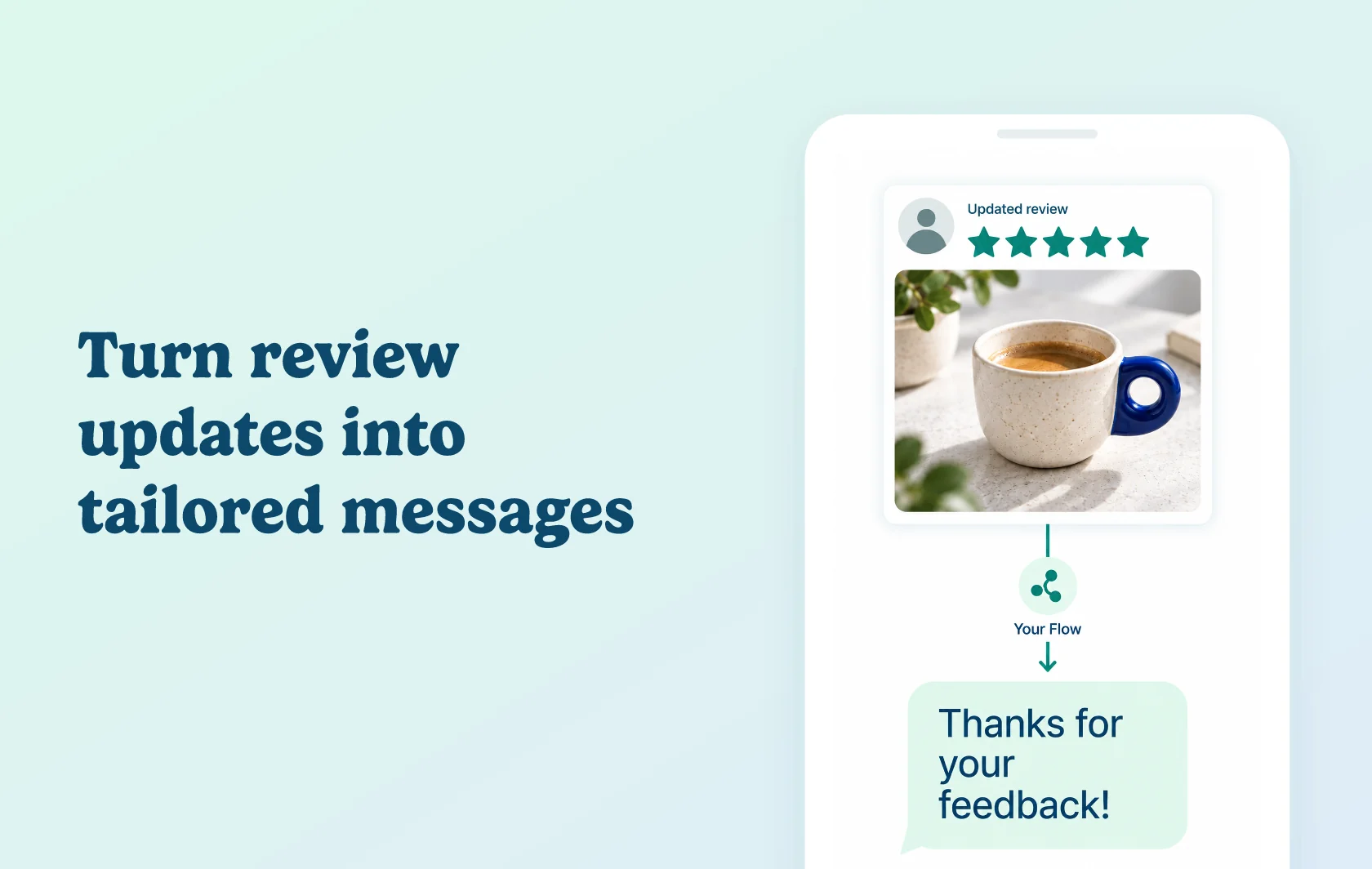
Turn new and updated reviews into a relevant conversation
The Judge.me and Privy integration connects customer feedback to your email and SMS messaging. Build different follow-ups for product and store reviews, choose a response based on review properties, and organise reviewers into audiences using their tags.
Respond to the experience behind the rating
Thank a satisfied customer or offer help when a review points to a problem. Privy Flows can branch using the review’s rating, verified-buyer status and whether it has published photos or videos. You choose the conditions and messages, rather than sending the same follow-up to every reviewer.
Treat new reviews and updates differently
A new product review, an updated product review, a new store review and an updated store review each have their own event. Use those separate triggers to keep a product-specific response distinct from feedback about the store. Product-review updates can include edits or pinning, so choose which changes should start another conversation.
Build audiences from reviewer tags
Judge.me reviewer tags sync to Privy contact profiles. Use them to create segments for a relevant campaign, instead of rebuilding those audiences by hand. Review-event triggers and tag-based segments serve different jobs: one starts a Flow; the other helps you choose an audience.
How the integration works
Connect the apps from Privy and authorise the connection in Judge.me. Privy imports existing reviewers and reviews in the background; the time needed depends on your history. New review events sync after that import finishes.
When an event arrives, Privy matches the reviewer to a contact or creates one. A Flow configured for that event can then apply delays, evaluate conditions and send your chosen messages. Connecting the apps does not create your messaging strategy: select the event and build the Flow you need.
Before you connect
Plans and platform: use Judge.me’s Free or Awesome plan with Privy’s paid Email plan for your Shopify store. SMS requires the SMS add-on and credits; a paid Pop-ups & Displays plan alone does not provide this messaging setup.
Eligibility: the Flow must be active and use the matching event type. Product reviews and store reviews are separate, as are newly created and updated reviews.
Important limits: review updates can start their own configured Flows, so check your rules to avoid unwanted repeat messages. A synced contact or tag does not grant messaging permission. For SMS, complete Privy’s sender setup and use textable contacts with US or Canadian numbers; check each contact’s channel eligibility before sending.
Get started
Already using both apps? Follow the Judge.me and Privy setup guide, configure one review-triggered Flow and test the message paths before activating it.
New to either app? Install Judge.me and Privy, choose the required Privy plan, then return to the guide. Privy’s integration documentation covers its event choices, conditions and reviewer tags.