
&

Review management
Judge.me & Review Copilot integration
Tag published reviews by theme, then get a ranked plan of what to fix first.
Shopify
Published reviews → theme-tagged, prioritized action plan
Know what to fix first, backed by your own reviews
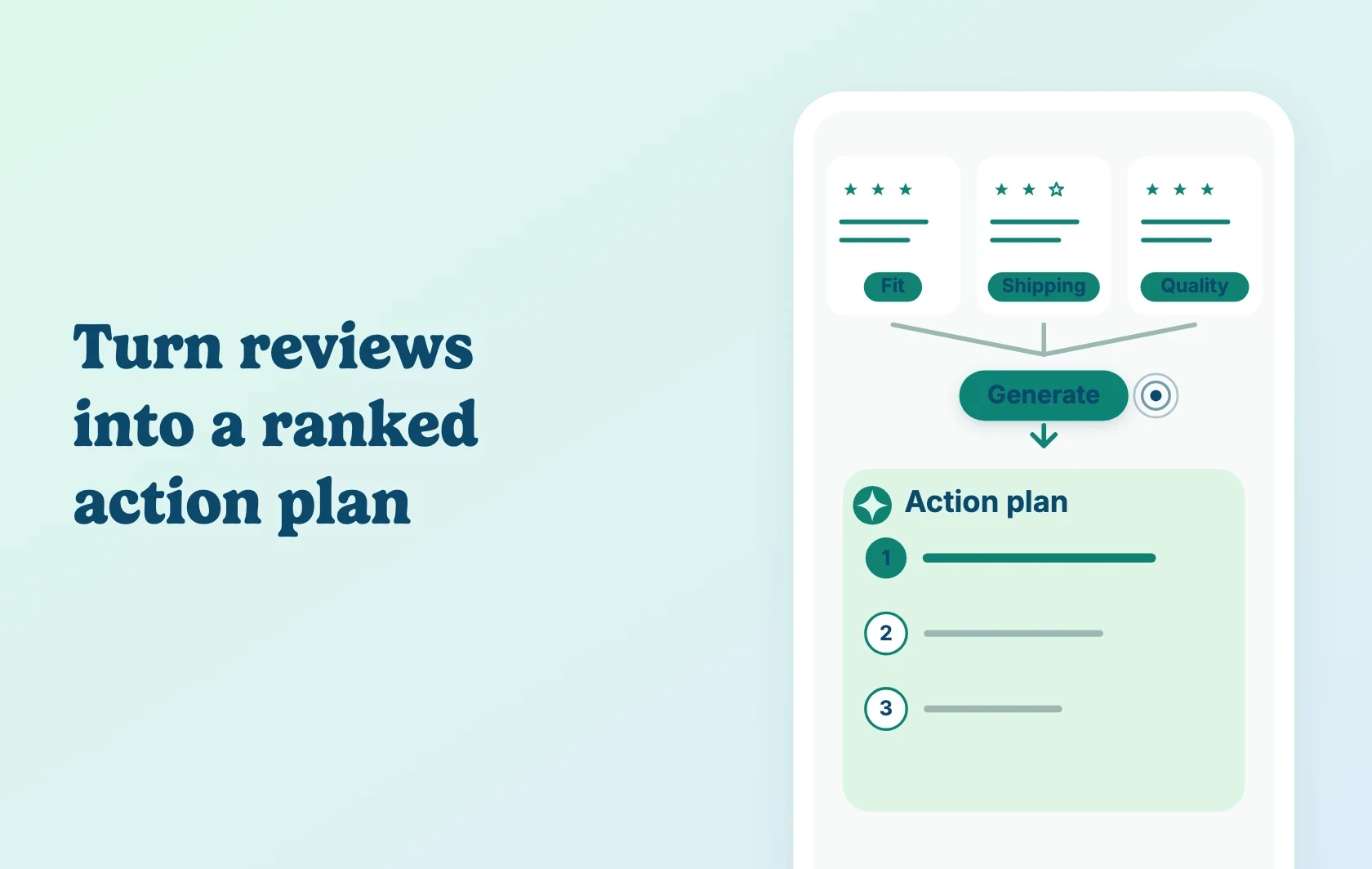
Judge.me and Review Copilot let Shopify merchants turn published reviews into a prioritized action plan for their whole catalogue. Review Copilot connects to your Judge.me account with a Private API Token — or a Judge.me CSV export, if you’d rather not connect the API — matches reviews to your Shopify products automatically, then tags each one by theme: fit, shipping, quality, packaging, price, service, accuracy.
See the patterns, not just the volume
Rather than reading through reviews one at a time, automatic theme tagging surfaces where problems actually cluster — a sizing complaint on one product, a packaging issue on another — across your whole catalogue at once, not just the product you happen to be looking at.
Get a ranked plan backed by the reviews behind it
Rather than guessing where to start, Review Copilot ranks what to fix first across every analyzed product, with each recommendation linked back to the specific reviews that support it — so you’re acting on evidence, not a hunch.
How Judge.me and Review Copilot work together
You connect Review Copilot to Judge.me with a Private API Token, or import a Judge.me CSV export instead. Review Copilot matches your published Judge.me reviews to your Shopify products and tags them by theme in the background — this can take a minute or two. From there, it builds a plain-English summary for each product and ranks what to fix first into one catalogue-wide Prioritized action plan. Connecting it is read-only on the Judge.me side — it can’t create, edit, reply to, or delete your reviews. Follow the connection setup guide for the exact screens and steps.
Before you connect
Plans and platform: Install both apps on the same Shopify store. This integration needs only Judge.me’s Free plan — no paid Judge.me plan is required. Review Copilot’s own listing is Free as well, with no paid tier to consider.
Eligibility: Only published reviews are analyzed — reviews you’ve hidden in Judge.me aren’t imported. Sync your Shopify product catalogue in Review Copilot first so reviews match the right product; products with no reviews won’t produce action items.
Important limits: Syncing is manual — re-sync in Review Copilot whenever you collect new reviews (re-syncing is safe and won’t duplicate reviews you’ve already synced). Review Copilot’s plan is something you read in its own dashboard and act on yourself. The KB confirms it never changes anything in Judge.me; it doesn’t say whether it changes anything inside Shopify directly, so treat every recommendation as something you apply yourself.
Support: Review Copilot is developed and maintained by the Review Copilot team. Its support team is the best contact for setup or analysis questions.
Get started
Already using both apps? Follow the Judge.me and Review Copilot setup guide to connect your Private API Token, sync your catalogue and generate your first action plan.
New to either app? Install Judge.me Product Reviews and install Review Copilot, then use the setup guide. Judge.me’s Free plan is all you need for this integration.