
&

Loyalty and Rewards
Judge.me & Froonze integration
Reward reviews with points, offer extra for photos or videos and show rewards in customer accounts.
Shopify
Eligible reviews → loyalty points in customer accounts
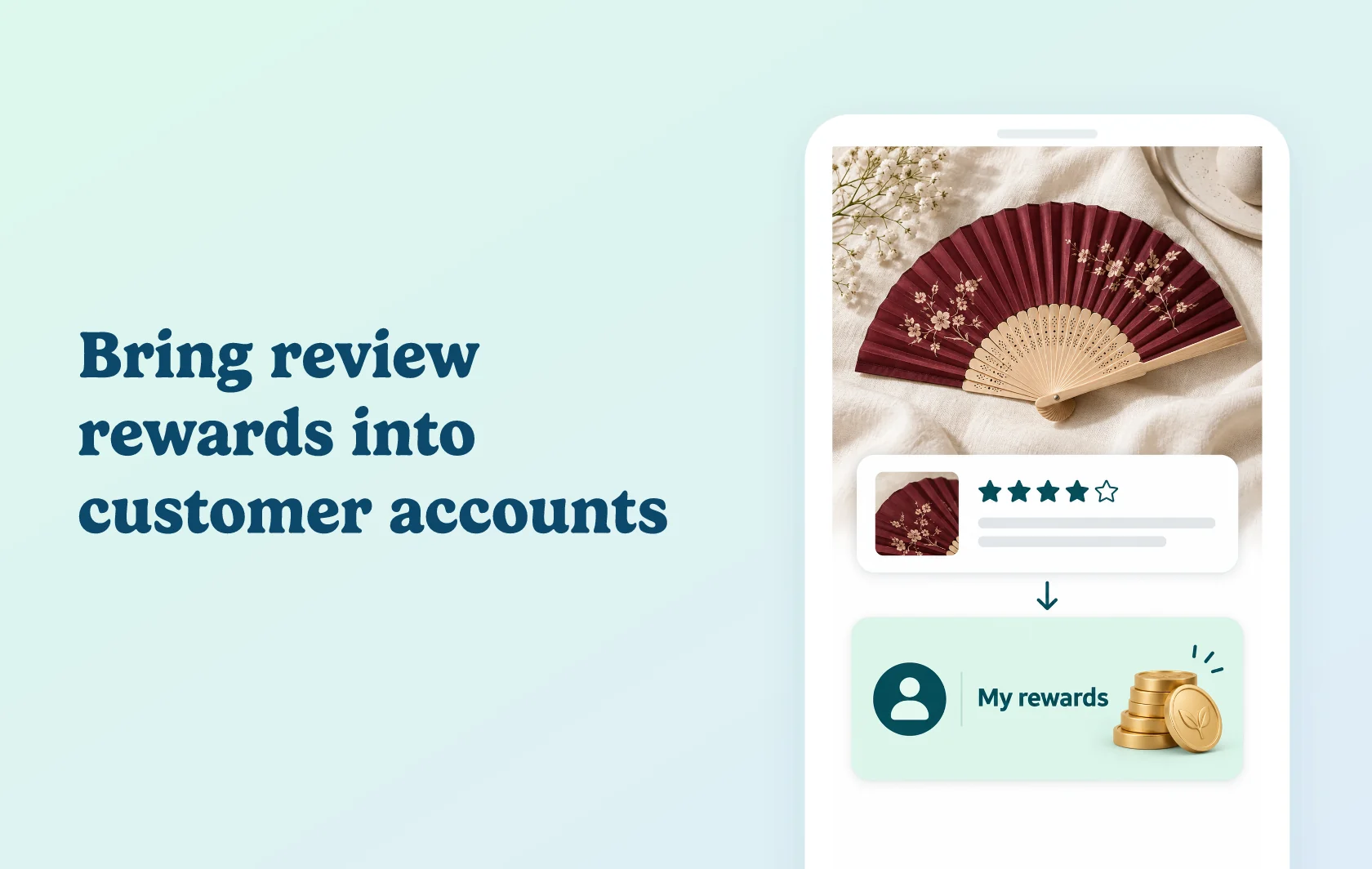
Make review rewards part of the customer account experience
The Judge.me and Froonze integration lets customers earn loyalty points for eligible product reviews and follow their rewards in their account. Configure the review earning rule, choose the feedback that qualifies and offer extra points for reviews with photos or videos.
Encourage customers to share useful detail
An accessories store can reward a review of a folding fan and offer extra points when the customer includes a photo or video. Other shoppers can see the product in use, while the reviewer earns according to your chosen rule.
Keep rewards visible in the customer account
Customers can check review rewards in their account alongside their loyalty activity. Your team can also review customer loyalty activity in Froonze when helping with a reward query.
How the integration works
Enable Froonze’s Loyalty plugin on a plan that includes integrations. Connect Judge.me from Froonze and authorise access, then create the Judge.me review earning rule.
Set the points reward, any extra photo or video points, and your review eligibility conditions. Save the active rule so qualifying review activity can earn points through your loyalty program.
Before you connect
Judge.me: Awesome is required.
Froonze: the Loyalty plugin’s Advanced, Premium or Unlimited plan is required for the integration. Advanced covers up to 500 monthly orders; reaching 500 orders is not a prerequisite.
Eligibility: configure the earning rule and review conditions, including any verified-review restriction you choose.
Media rewards: extra points for photo or video reviews need to be configured in the earning rule.
App identity: Froonze was previously called Customer Accounts Concierge; the Shopify app URL still uses “customer-accounts”.
Get started
Already using both apps? Follow the Judge.me connection guide, configure your earning rule and check where customers can see their rewards.
New to either app? Install Judge.me and Froonze, then choose the required Judge.me and Froonze Loyalty plans.