
&

Review management
Judge.me & Zipchat integration
Let shoppers submit a product rating and comment during a conversation with your AI agent.
Shopify
Customer-requested chat feedback → review dashboard
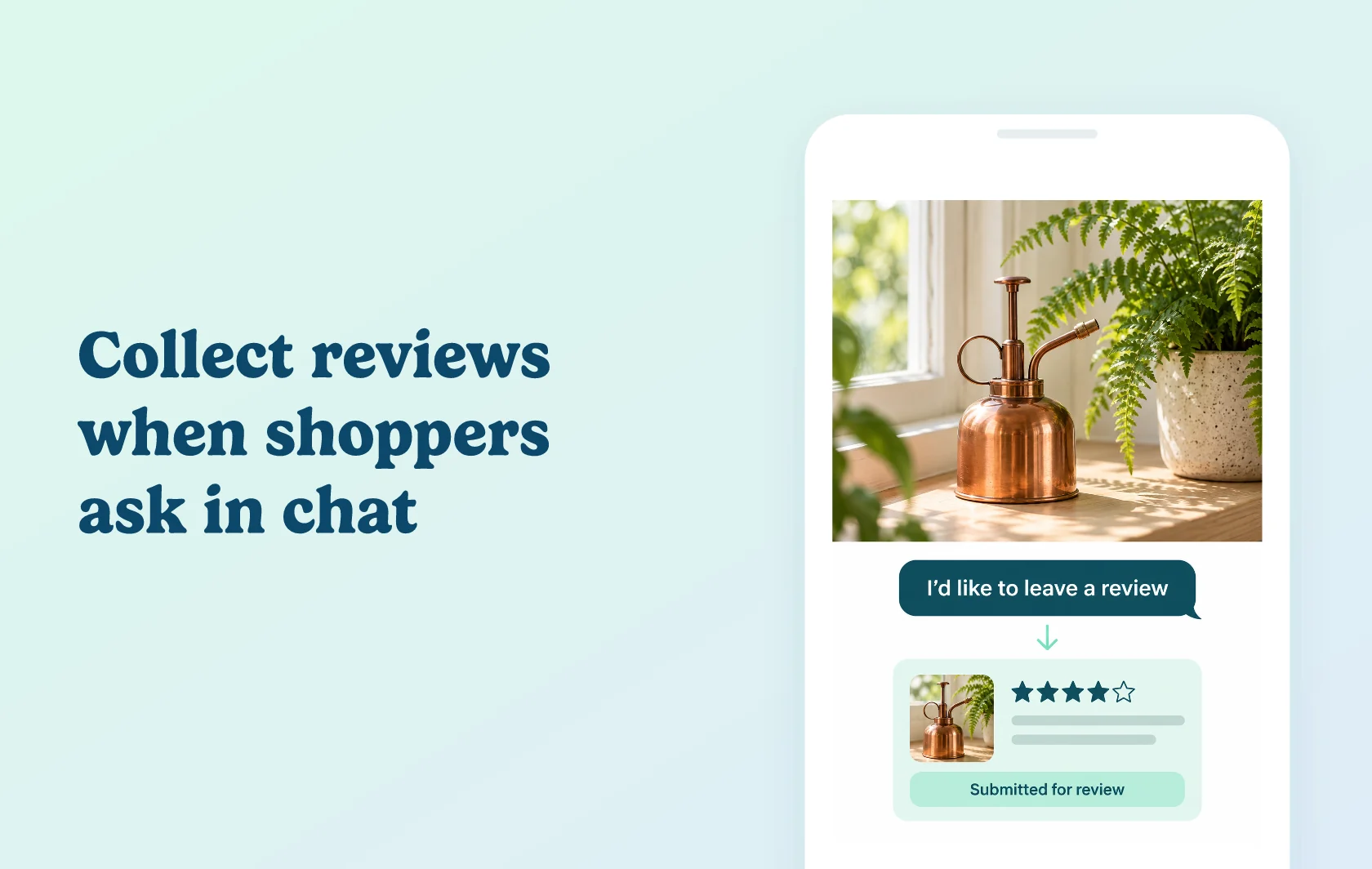
Turn a shopper’s request to review into feedback you can use
The Judge.me and Zipchat integration lets your AI agent collect a product review when a shopper asks to leave one. The agent asks for a star rating and comment, then submits the feedback to Judge.me. Customers can finish that task within the conversation they are already having with your store.
Capture feedback in the conversation
A shopper chatting about a plant mister can say they would like to review it. With the review skill enabled, Zipchat collects their feedback and sends it to your review dashboard. Your team can then moderate and display the submission through its usual review workflow.
The skill responds to a clear customer request. It does not write a review for the shopper or post one on its own, and a submitted review is not a promise of automatic publication or verified-buyer status.
Choose where shoppers can use the skill
Enable the skill across your connected channels or select particular ones. This lets you offer the same review task through the conversations you support, including chat, email and social messaging, without building a separate review form for each channel.
The channel needs to be active in your Zipchat setup and selected for the skill. Connecting Judge.me alone does not activate every messaging channel.
How the integration works
Add the Judge.me review-submission skill in Zipchat and connect it using your store’s public API token and full Shopify store domain. When a shopper clearly asks to review a product, the agent gathers their rating and comment and submits them to Judge.me.
Judge.me receives the review for moderation and display. Zipchat handles the conversation and submission; your existing Judge.me workflow determines what appears on the storefront.
Before you connect
Judge.me: the Free plan supports this integration.
Zipchat: use an account with the Judge.me skill enabled. Paid Starter and higher plans include agentic capabilities and external API connections; choose enough AI replies for your expected conversations.
Channels: activate the channels you need and include them in the skill’s channel selection.
Credentials: use the public token and complete .myshopify.com domain, without extra spaces. The private API token is not used for this skill.
Customer action: the shopper must clearly ask to leave a review. A general product question alone does not trigger this review flow.
Ownership: Zipchat develops and maintains the connector. Its support team handles skill and channel issues.
Get started
Already using both apps? Add the skill, enter the connection details and test it on a selected channel. Submit feedback for a known product and check the rating, comment and product association in Judge.me before enabling it more broadly. Also test a general product question to confirm it does not submit a review, and repeat the review test on each channel you enable.
New to Zipchat? Install it, set up the channels you want to support and connect Judge.me. Start with one channel and confirm the review reaches your moderation workflow.