
&

Search and SEO
Judge.me & Webrex integration
Connect ratings to product schema through pre-mapped review fields, without copying data by hand.
Shopify
Product review data → Webrex product and review schema
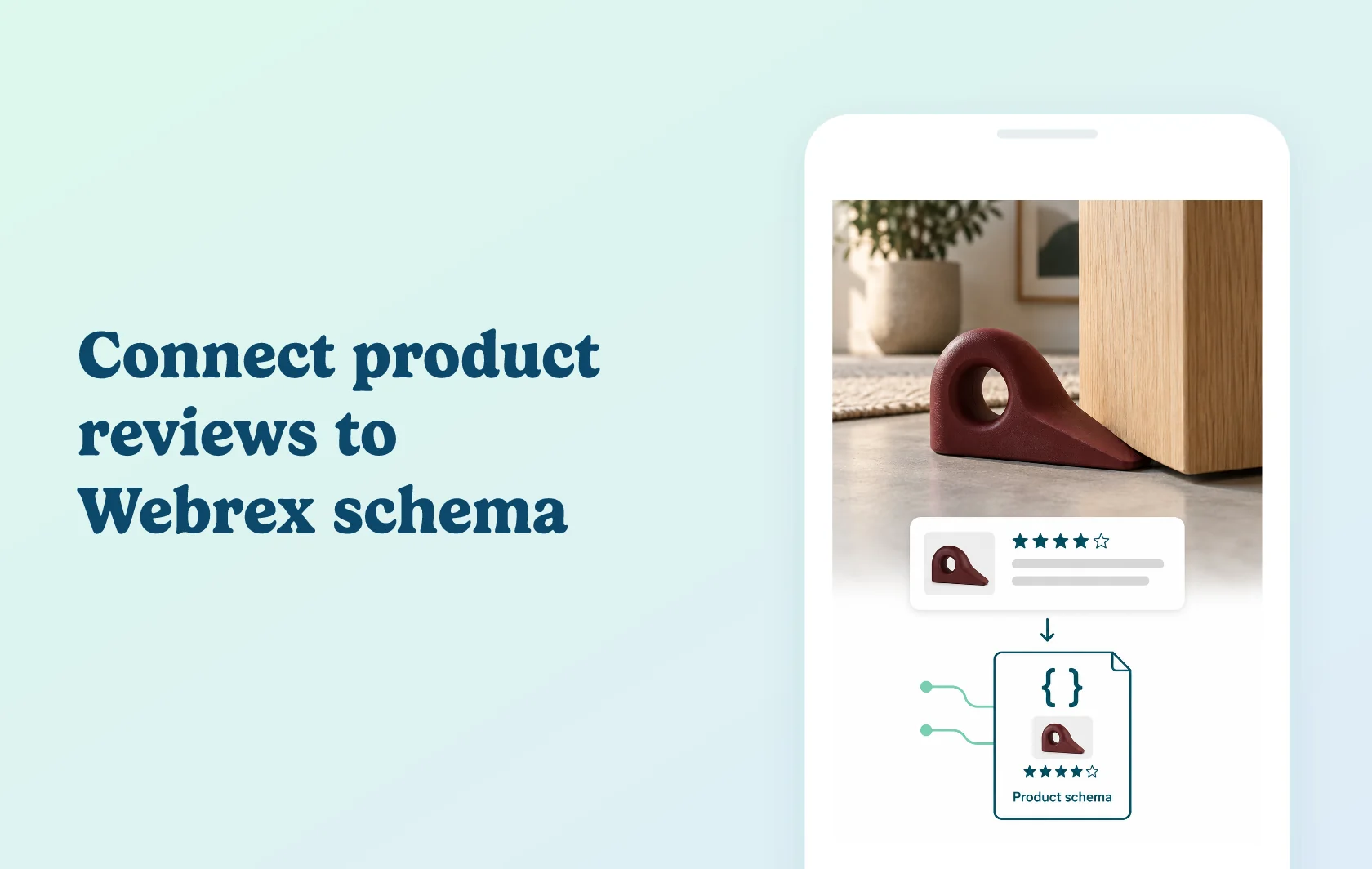
Include customer feedback in your Webrex product markup
The Judge.me and Webrex integration connects product review data to the structured information Webrex adds to your Shopify product pages. Webrex reads the review fields supplied by Judge.me, so you can include customer feedback alongside the item’s other product details without manually maintaining those fields.
Give your product markup its review context
A homeware store selling a doorstop can connect the feedback collected for that item to its product schema. Search engines can read the rating information associated with the same product, while shoppers continue to see the reviews through Judge.me on the storefront.
The integration supplies structured data. It does not create reviews, redesign the review widget or guarantee stars in search results. Google decides when an eligible page receives a rich result.
Use the review data you already maintain
Webrex’s Judge.me fields are pre-mapped and dynamic. Selecting the review app connects those fields to the schema configuration, instead of asking your team to copy rating information into each product’s markup.
This is useful when Webrex already manages your product schema. Keep the product and review configuration connected, and inspect a reviewed product after changing a theme or schema app.
How the integration works
Enable Webrex’s app embed and set up Product Schema first. Then enable Review Schema and choose Judge.me as the review source. Webrex uses the mapped review fields to include the corresponding data in its output.
Check a live product URL with Google’s Rich Results Test. Compare the detected product and review information with the visible product page. Fix incomplete or conflicting output before requesting a fresh crawl; a valid test result does not control Google’s final display.
Before you connect
Judge.me: Free supports the product-rating data used by this connection.
Webrex: the current Starter plan and higher include review schema and review-app integrations. Choose sufficient product capacity for your catalog.
Setup order: enable the app embed and Product Schema before configuring Review Schema.
Review source: select Judge.me in Webrex rather than leaving another review provider selected.
Product pages: start with a product that has published reviews visible on the page. The review data must describe that same item.
Existing markup: inspect your theme and other schema apps for competing or inconsistent output when validating the page.
Get started
Already using both apps? Open Webrex’s schema settings, connect Judge.me and test a product with published feedback. Confirm that the product name and rating information agree with the storefront. Include a second product without reviews in your check: it should not inherit another item’s rating.
New to Webrex? Install it, choose a plan with review schema and configure its product output. Once Judge.me has collected and published product reviews, select it as the source and validate the connection.