
&

Other
Judge.me & STOQ integration
Show product ratings and published reviews in restock alerts and supported preorder emails.
Shopify
Published product reviews → restock and preorder emails
Show product feedback in the emails shoppers are waiting for
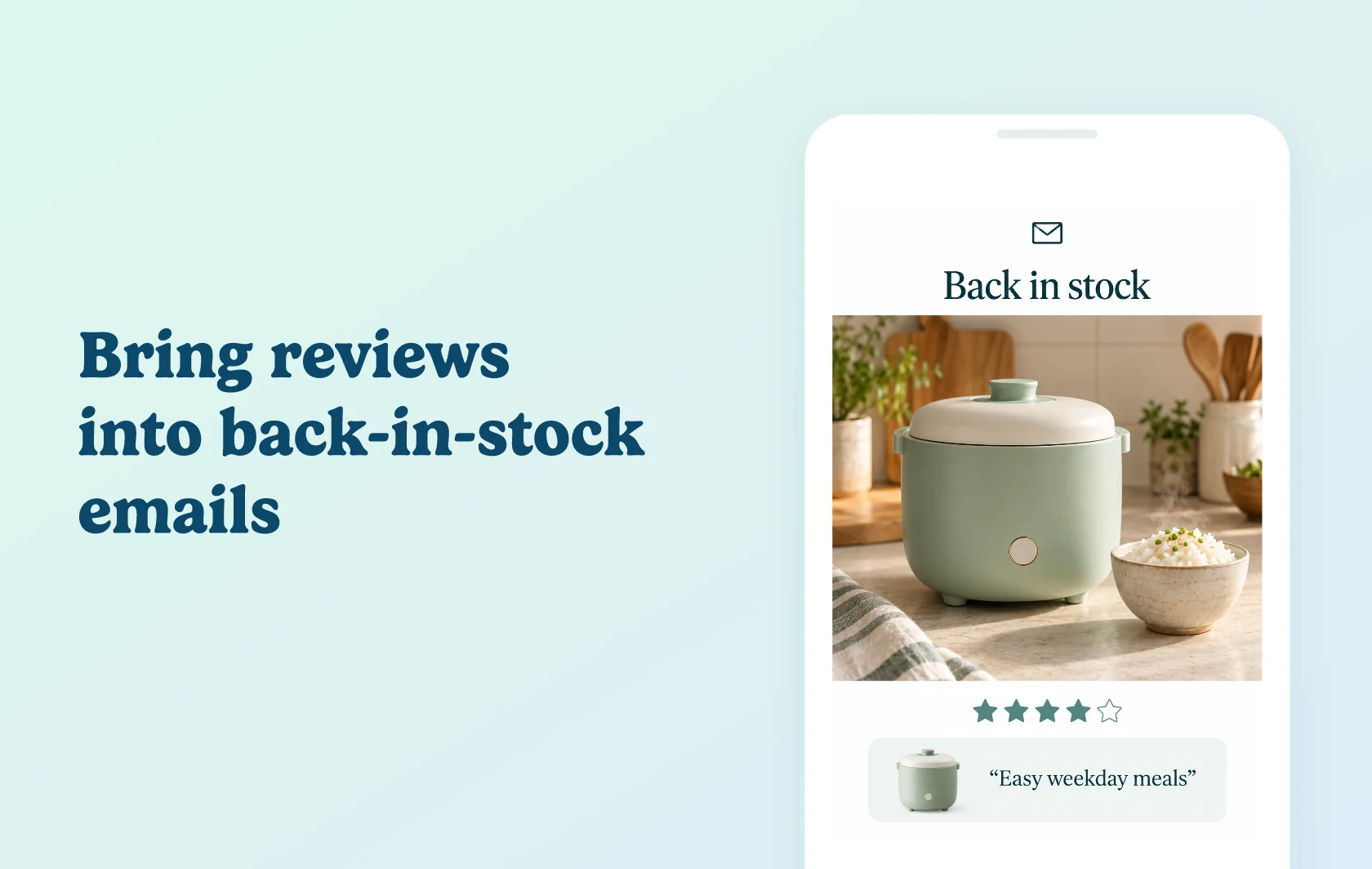
The Judge.me and STOQ integration adds product star ratings, review counts and up to three published reviews to supported STOQ notification emails. Reviews appear below the product image, alongside the restock or preorder message. Judge.me collects and manages the feedback; STOQ displays it in the enabled email templates.
Bring reviews into restock alerts and reminders
A kitchenware store could show feedback on a rice cooker in the email announcing that it is back in stock. Shoppers can read about other customers’ experience while deciding whether to return to the product. The same review setting covers the first back-in-stock alert and its reminders.
Keep product feedback visible during a preorder
Enable reviews in preorder confirmation and shipping update emails too. These messages can show existing product feedback as customers follow their preorder. The integration does not add reviews to payment emails or turn the notifications into requests to write a new review.
How the integration works
Connect your Judge.me account from STOQ’s integrations settings and authorise access. Turn on the product-review section in the relevant back-in-stock and preorder email editors, choose how many reviews to show and save.
STOQ uses the product’s published reviews and refreshes its review data about every two days. If the product has no published reviews, the section is omitted and the email sends normally. Newly published or changed feedback may therefore take time to appear in a notification.
Before you connect
Shopify: install both apps on the store you want to connect.
Judge.me: the Free plan supports this integration.
STOQ: a paid plan is required. Lite and higher unlock all features; choose a tier with suitable email and preorder allowances.
Supported emails: Back in Stock Alert, Back in Stock Reminder, Preorder Confirmation and Shipping Update. Payment emails are excluded.
Published content: use a product with published reviews when checking the display. Connecting the account alone does not enable every email template.
Support: STOQ develops and maintains the integration.
Get started
Already using both apps? Authorise the connection, enable reviews in the templates you use and send yourself a test email for a reviewed product. Check the rating and review text below the correct product image. Also test a product without published reviews to confirm that the email sends with the review section omitted.
New to either app? Install Judge.me and STOQ, choose a paid STOQ plan and collect product feedback. Publish the reviews, connect the account and test each notification type you plan to use.