
&

Review management
Judge.me & Securify integration
Check the email address behind each new review and give your team a clearer view of feedback that may need a closer look.
Shopify
New review email → mailbox check and human assessment
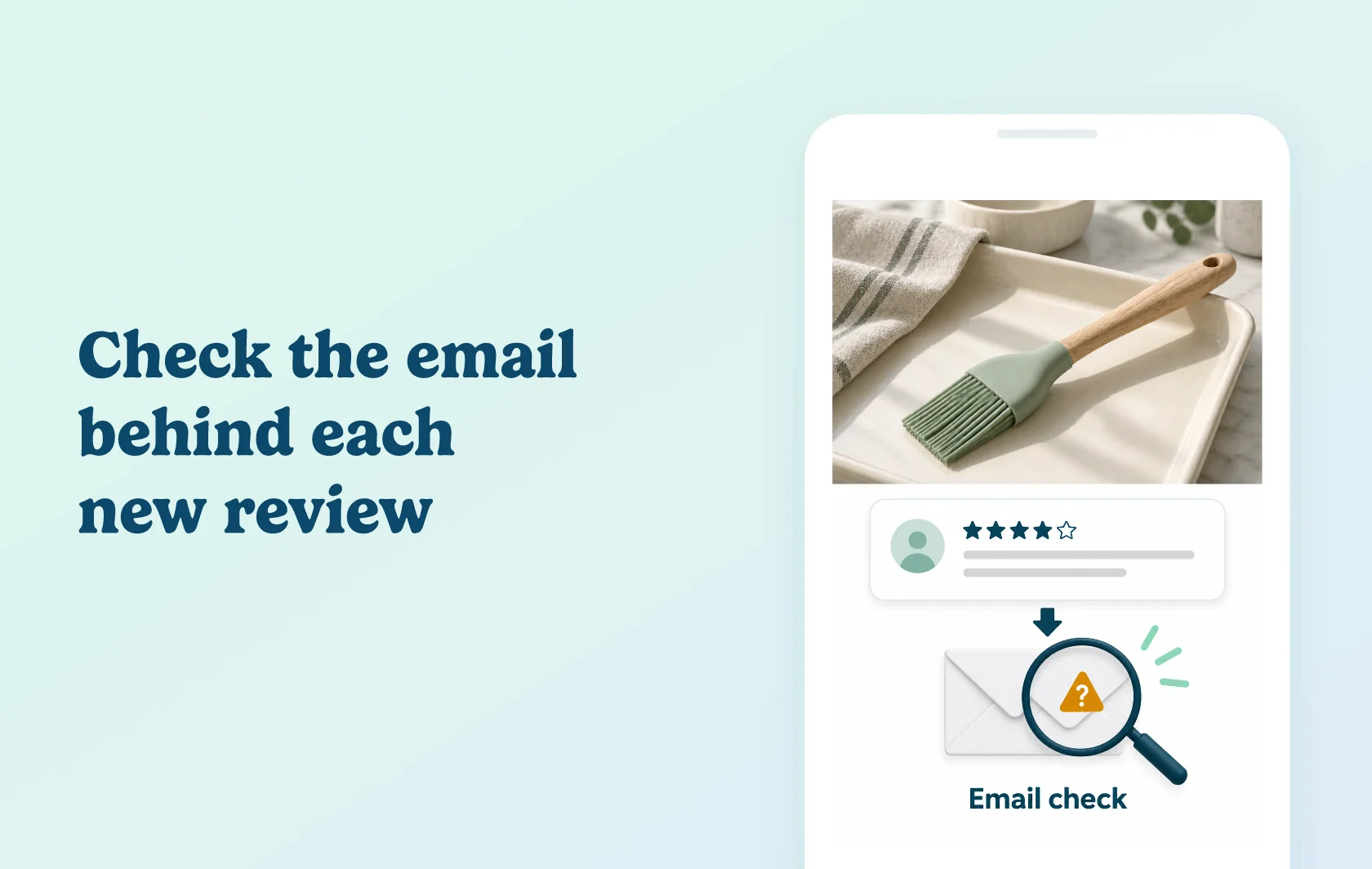
Give your team another signal when assessing new reviews
The Judge.me and Securify integration checks the email address submitted with each new review. Securify looks at mailbox reachability, disposable addresses and patterns associated with automated signups, then shows a verdict with a reason. Your team can use that context when deciding which feedback needs attention.
Look more closely at questionable submissions
For a kitchenware store collecting feedback about a pastry brush, an unusual reviewer email can be a reason to inspect the submission. Securify brings the review and its mailbox assessment together, so the team can consider the signal alongside the actual feedback.
An email check does not prove that a purchase happened or that a review is truthful. A genuine customer may use an alias, relay or mailbox that cannot be fully verified. Treat a flagged result as a prompt to assess the review, not as a final finding that it is fake.
Keep moderation under your control
The default connection is read-only. It checks new submissions without editing review text, sending email to customers or automatically hiding feedback. You can inspect flagged reviews and use your normal Judge.me moderation controls.
Securify also offers optional manual moderation. If you explicitly enable it and grant the additional write permission, its dashboard provides Hide and Republish controls. Those actions are manual and reversible; a mailbox verdict does not automatically remove the review.
How the integration works
Sign in to Securify with your email and authorise its Judge.me connection. New reviews are then passed to Securify for mailbox checks. After a short processing delay, its dashboard shows the review, when it was checked, a reasoned verdict and a mailbox-quality score where available.
The labels Real, Suspicious and Likely fake describe the email assessment. They do not add a verified-purchase badge to the review or change its star rating.
Before you connect
Plans: the connection is available free on both Judge.me and Securify.
Access: sign in to Securify, then approve the Judge.me authorisation request for reviews, reviewers and shop information.
New reviews only: the current connection checks reviews submitted after you connect; it does not scan your existing history.
Timing: allow a few minutes for new feedback to appear with its assessment.
Optional moderation: enabling dashboard moderation adds write access. Default email checking remains read-only.
Disconnection: disconnecting stops new validation. Reconnecting can restore the store’s existing Securify history.
Get started
Already using Judge.me? Connect Securify and inspect a new submission once its email assessment appears. Read the reason alongside the review and your own customer context before taking a moderation action. Check how a genuine customer’s alias or relay is handled so your team does not treat an uncertain mailbox as proof of a false review.
New to Judge.me? Install it and set up review collection, then connect Securify. Start with the default read-only workflow and decide separately whether your team needs its optional moderation controls.