
&

Loyalty and Rewards
Judge.me & Leat integration
Reward product and store reviews with points, using completion limits or waiting periods.
Shopify
Product or store reviews → loyalty points
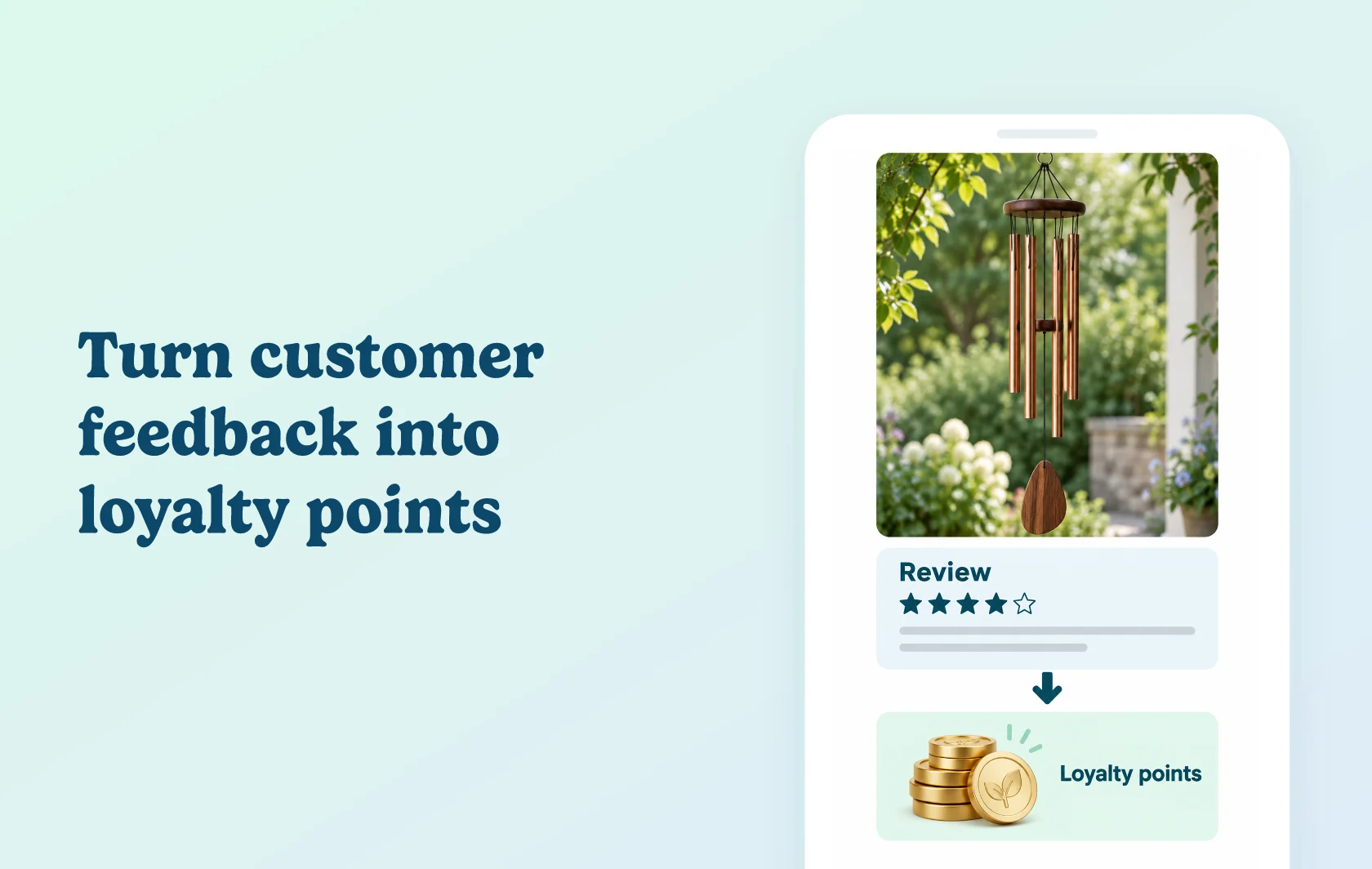
Reward product and store feedback through your loyalty program
The Judge.me and Leat integration awards loyalty points when customers submit product or store reviews. Choose the points value in Leat and set limits that fit your program. Judge.me collects the feedback; Leat applies your earning rule and adds the reward to the customer’s loyalty balance.
Recognise feedback alongside purchases
A garden store could give customers points for reviewing a wind chime or sharing feedback about the store. The review becomes another way to participate in its loyalty program, while the feedback helps other shoppers understand the product or buying experience.
Control how often customers earn
Set a maximum number of completions or a waiting period between reviews. These controls let you offer a repeatable review reward while keeping the earning frequency within your program’s rules.
How the integration works
Connect Judge.me from Leat’s settings and authorise the connection. Create an Add a review (Judge.me) earning rule, choose the points value and any completion or waiting-period conditions, then save it.
When a customer submits a review, Judge.me sends Leat the event and Leat awards points according to your rule. The connection and reward settings are managed in Leat.
Before you connect
Judge.me: the integration is available on the Free plan.
Leat: the Shopify app has a free plan for up to 200 monthly orders; Leat lists the Judge.me connection as free. Check the app listing for order limits as your store grows.
Earning rules: connecting the apps does not choose a points value or earning frequency. Save the review rule you want customers to use.
Support: Leat develops and maintains this integration and manages the loyalty reward.
Get started
Already using both apps? Follow the connection guide, configure the review earning rule, then sign in as a test customer and submit a product review. Check that the expected points reach the customer’s Leat balance before announcing the reward.
New to either app? Install Judge.me and Leat, choose the Leat plan for your order volume and set up your review reward.