
&

Search and SEO
Judge.me & SearchPie (SEO Booster) integration
Connect product ratings to schema automatically, with Judge.me review markup kept enabled.
Shopify
Product review markup → SearchPie product-rating schema
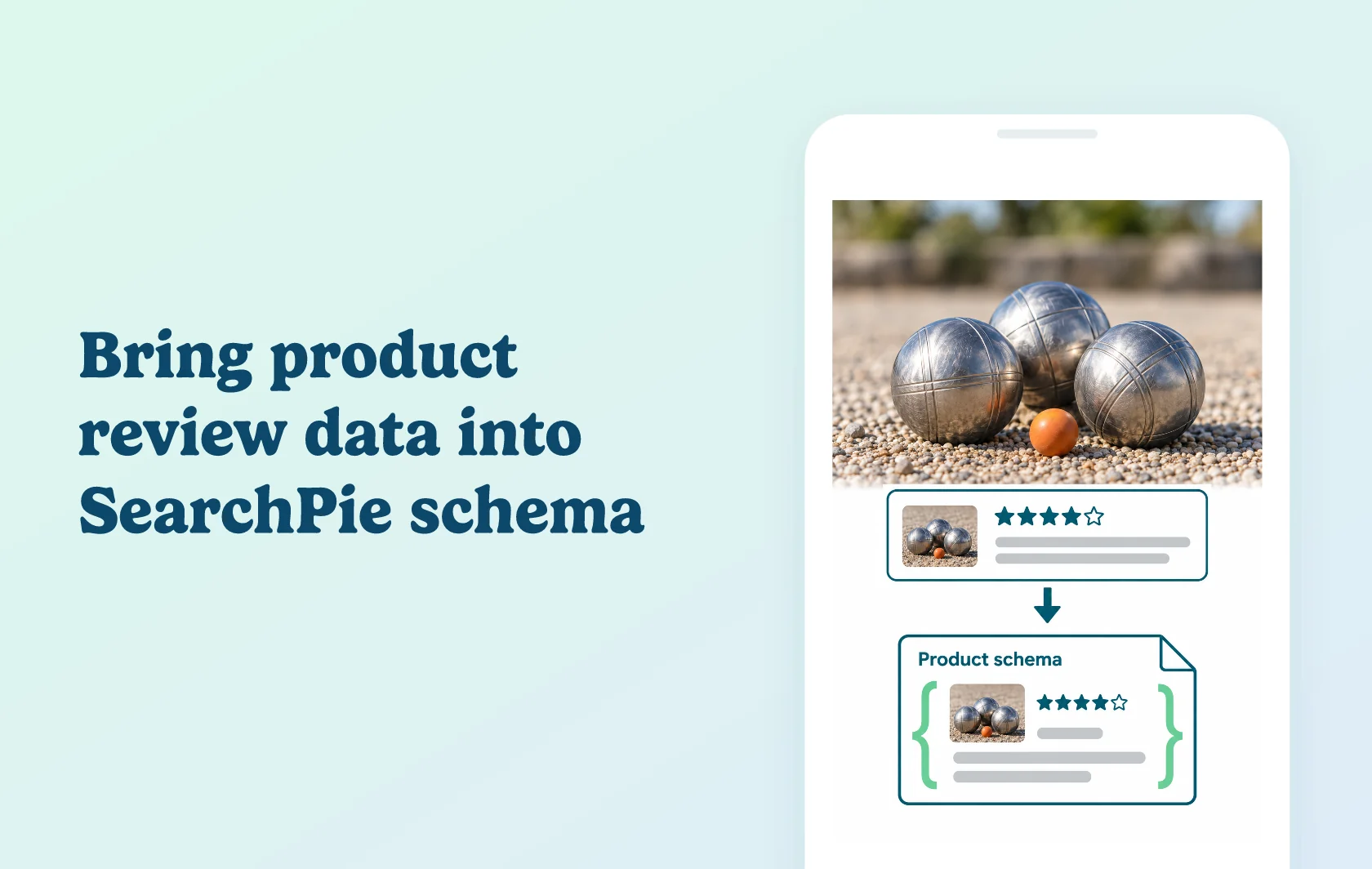
Connect product ratings to SearchPie, formerly SEO Booster
The Judge.me and SEO Booster integration connects product review markup to the SEO app now called SearchPie. With both apps installed and Judge.me’s JSON-LD snippets enabled, the integration works automatically so review information can accompany the product data used for search eligibility.
Give product feedback a place in your search setup
A sports store selling a petanque set can collect customer feedback through Judge.me and connect the rating information to its SearchPie setup. The reviews remain associated with the set that customers bought and reviewed.
SearchPie manages the SEO configuration; Judge.me supplies review information. The connection does not collect extra reviews or guarantee Google stars, traffic or sales.
Keep the review source available as you manage schema
Judge.me’s integration guidance calls for JSON-LD snippets to remain enabled. This is a useful check when changing theme settings or following generic advice about removing duplicate schema.
SearchPie also provides broader SEO and speed features, but those are separate from the review connection. The relevant function here is product-rating markup, which belongs to SearchPie’s paid schema feature set.
How the integration works
Install both apps, configure SearchPie’s product schema and keep Judge.me’s JSON-LD output enabled. Judge.me’s current rich-snippet controls are under Settings, Google, SEO and AI, then SEO Rich Snippets. No additional Judge.me-side connection step is described in the paired guide.
Test a live product with published reviews using Google’s Rich Results Test. Compare the detected product and rating with the storefront, then investigate any missing or inconsistent output. Google decides whether the page is shown with a rich result after crawling.
Before you connect
Judge.me: Free includes aggregate product-rating markup. Keep JSON-LD snippets enabled and show the product’s published reviews on the page.
SearchPie: Premium includes product price, rating and availability schema. Enterprise includes the Premium features; Starter’s basic store schema is a different scope.
App name: SEO Booster is the earlier name of SearchPie, available at the existing seo-booster app listing.
Separate app: this is not Booster SEO by Booster Apps.
Product scope: validate the feedback for the specific item on the page, rather than a store-wide rating.
Search appearance: an automatic connection does not guarantee when Google will crawl or display the review information.
Get started
Already using SearchPie? Check the product-schema feature and confirm Judge.me’s JSON-LD output is enabled. Test a reviewed product and compare the live output with its visible feedback. When following older instructions, use the current SearchPie app and the current Judge.me rich-snippet settings path.
New to the connection? Install SearchPie, choose a plan with product-rating schema and configure it. Publish reviews through Judge.me, retain its review markup and check the automatic connection on a live product.