
&

Review management
Judge.me & Sentimo integration
Assess new reviews, apply moderation rules and prepare replies with configurable approval.
Shopify
New reviews → moderation and configured replies
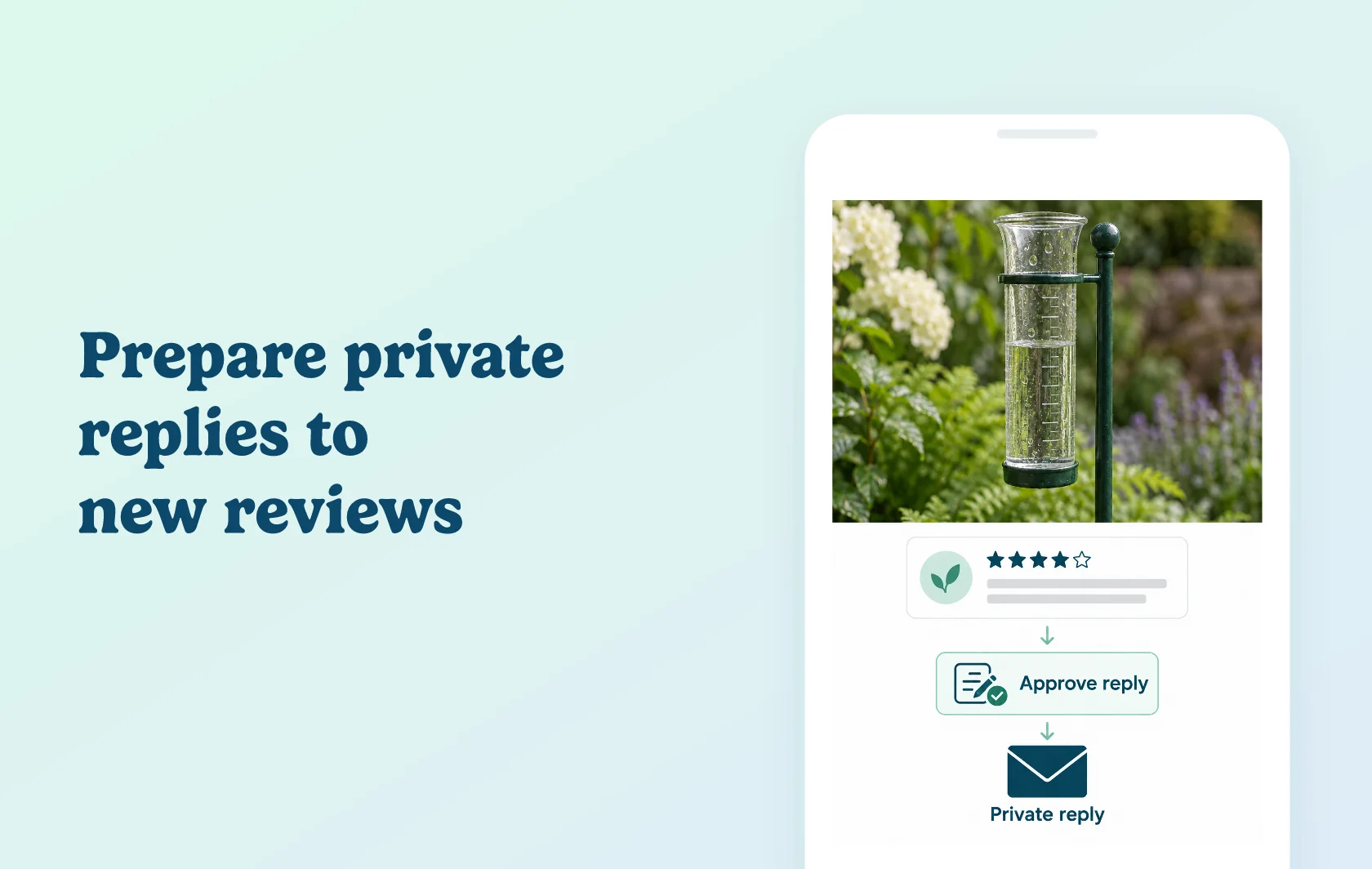
Give new reviews a consistent assessment and a considered reply
The Judge.me and Sentimo integration sends new product reviews to Sentimo for analysis, moderation and reply preparation. Sentimo assesses sentiment, constructiveness, respect and sarcasm, then applies your configured rules. It can also draft a response in your brand’s tone and sync replies back to Judge.me using your chosen approval and delivery settings.
Help your team decide what needs attention
A gardenware store receiving feedback about a rain gauge can use Sentimo’s analysis to distinguish the customer’s sentiment from how constructive or respectful the review is. Rules can approve, reject or hold feedback for manual attention, with supported decisions synced back to Judge.me.
The analysis supports your moderation process. Review the settings against actual feedback, including critical but useful comments, before relying on automated decisions.
Prepare replies in a consistent tone
Choose response guidance and review the draft alongside the original feedback. Your team can edit and accept the reply before exporting it. This gives the customer’s specific experience a place in the response while keeping the tone consistent.
The Judge.me guide documents public reply publishing and optional private email replies. Reply export, email delivery and automatic acceptance are separate settings: choose the route you intend to use before activating it.
How the integration works
Add an active Judge.me integration in Sentimo and authorise the connection. New reviews enter Sentimo, where your rules determine the moderation workflow and optional reply generation. Enable moderation syncing or reply export for the actions you want returned to Judge.me.
If Auto Accept Answers is enabled, generated replies can be published without a manual approval step. Keep that setting separate from the decision to generate drafts and from the email-delivery option.
Before you connect
Judge.me: the Free plan supports the integration.
Sentimo: Growth includes one active review integration and an allowance of AI actions. Pro supports more integrations and a larger allowance; choose the plan for your review volume and other connected sources.
Connection: sign up or log in through the Sentimo dashboard, add the Judge.me integration, enable it and approve OAuth access. The Judge.me guide uses this direct route rather than an App Store installation.
New feedback only: existing reviews are not retrospectively analyzed or answered by this connection.
Reply controls: configure tone, response length, rating ranges, export and email delivery as separate choices.
Approval: leave automatic acceptance off if your team wants to inspect each reply before it proceeds.
Disconnection: disabling the integration stops syncing and analysis; it does not revisit historical moderation decisions.
Get started
Already using both apps? Connect Judge.me, start with manual reply approval and inspect a new review’s analysis. Edit and accept a draft, then confirm the private reply and its delivery settings in the connected workflow.
New to Sentimo? Sign up through its dashboard, choose your plan and connect Judge.me. Test moderation and your chosen reply route on a small set of new reviews before increasing automation. Include a critical but constructive review and confirm the publication or email-delivery behavior before enabling automatic acceptance.