
&

Upsell and Marketing
Judge.me & Revize integration
Show star ratings on products customers are adding or swapping while editing their order.
Shopify
Published review ratings → product cards in order editing
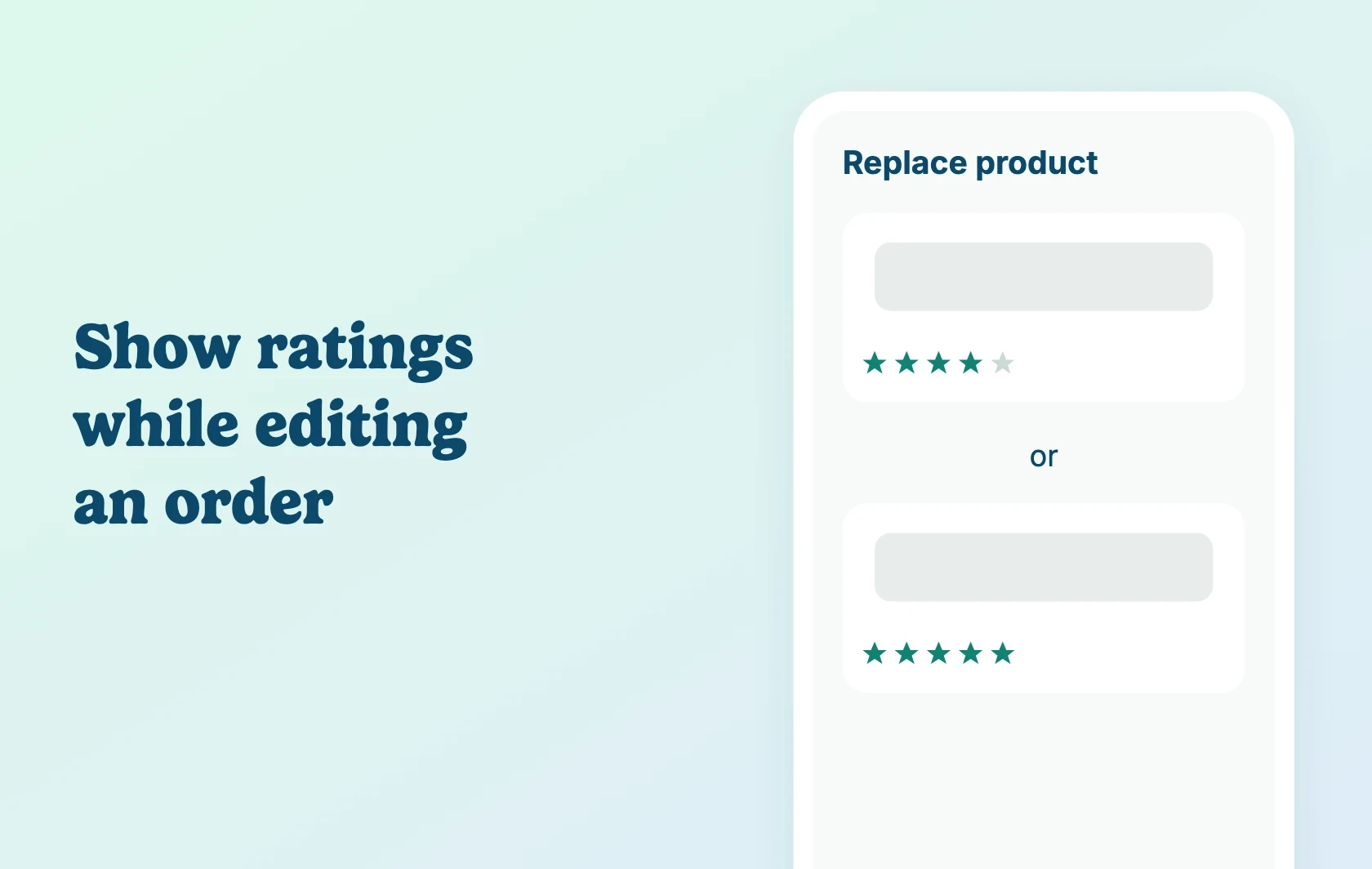
Show ratings while editing an order
Judge.me and Revize let Shopify merchants display star ratings from published product reviews inside Revize’s post-purchase order editing experience. When a customer adds or swaps a product on their order, the product cards Revize shows carry the star rating from your published Judge.me reviews — so the decision is informed, not blind. This is the only place these ratings appear through this integration; it does not add a storefront widget.
No separate reviews page to check
Customers don’t need to leave Revize’s order-editing flow or open a new tab to check a product’s reviews before adding or swapping it — the rating is already on the card they’re looking at, right when they’re deciding.
How Judge.me and Revize work together
You enable Judge.me’s Platform-independent Review Widget and copy your Judge.me public token into Revize’s Integrations settings. From then on, Revize reads your published review ratings using that token whenever it renders a product card in order editing. The connection is read-only: Revize never writes, edits or deletes anything in Judge.me. Follow the connection setup guide for configuration and screenshots.
Before you connect
Plans and platform: Install both apps on the same Shopify store. This integration needs Judge.me’s Awesome plan — the Platform-independent Review Widget it depends on is not available on Free. Revize also requires a paid plan; Revize’s own listing does not name which tier this specific integration needs, so check current pricing on its Shopify listing before connecting.
Where ratings show: Only inside Revize’s order-editing Add product and Replace product sections — not a storefront widget, and not every Revize screen.
Support: Revize develops and maintains this integration. Its support team is the best contact for setup or display issues.
Get started
Already using both apps? Follow the Judge.me and Revize setup guide to enable the widget, add your public token in Revize and check the order-edit experience.
New to either app? Install Judge.me Product Reviews and install Revize, then use the setup guide. Judge.me’s Awesome plan is required for this integration.