
&

SMS and Push
Judge.me & PushOwl integration
Send browser-push review requests and remind reviewers to add photos or videos.
Shopify
Scheduled review requests → browser push notifications
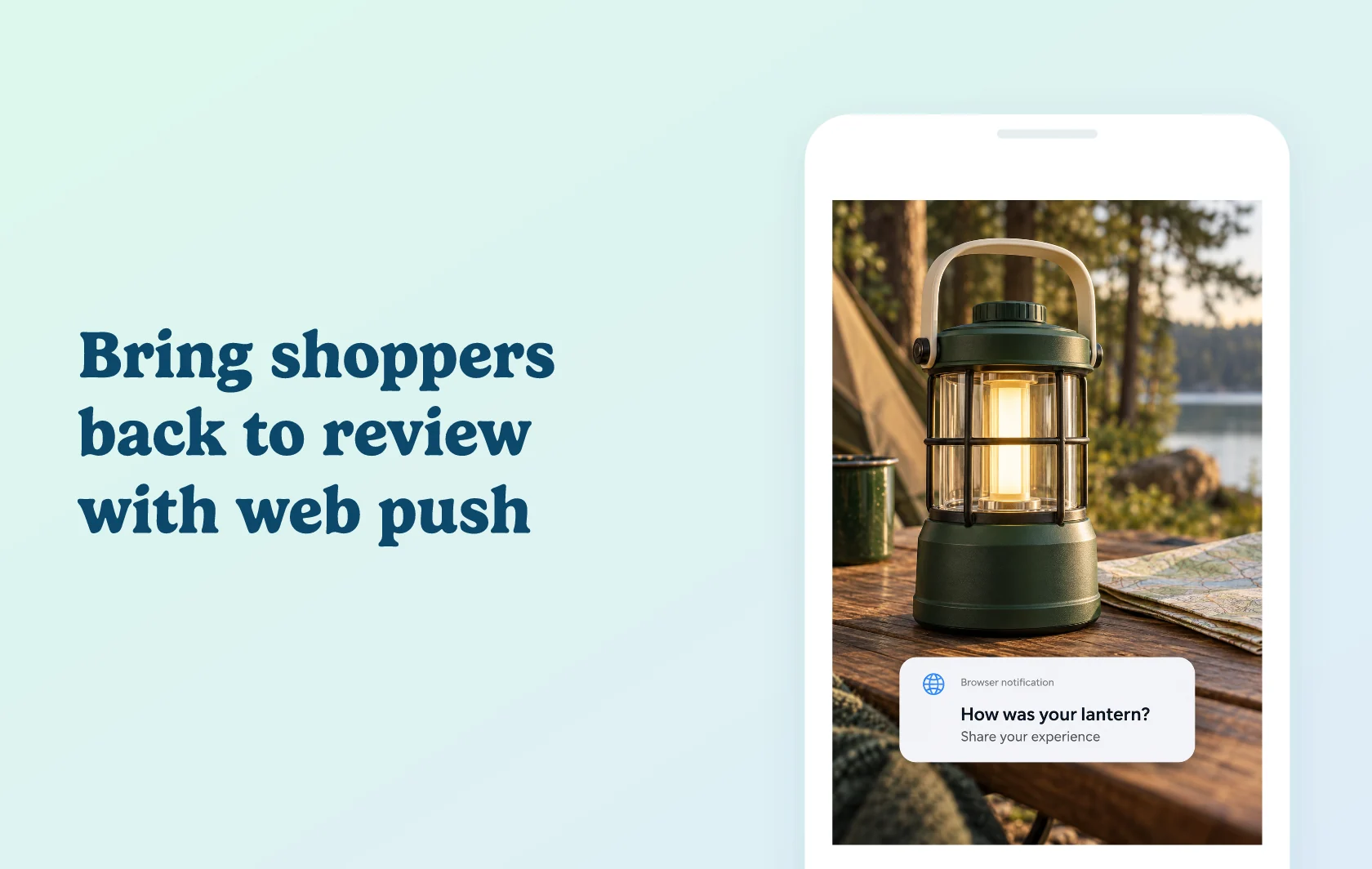
Bring customers back to the product page to share feedback
The Judge.me and PushOwl integration sends review requests through browser push notifications. A customer who has enabled notifications can follow the message back to the purchased product’s Review Widget. Judge.me supplies the review request and scheduling settings; PushOwl delivers the notification.
Reach customers through a browser notification
An outdoor store could remind a customer to review a camping lantern after their purchase. The invitation appears through their browser’s notification system, giving them another way to return and share their experience. Clicking it opens the relevant product page with their review information pre-filled.
Invite reviewers to add photos or videos
Use a separate media reminder for customers who have submitted a review without a photo or video. For a camping lantern, a customer’s photo could show its size or how it looks at a campsite. This reminder invites them to add useful context to their existing feedback.
How the integration works
Enable PushOwl from Judge.me’s integrations and configure the review request and media reminder push templates. Notifications follow your Judge.me request-scheduling settings, so you can align the invitation with the time customers need to try the product. Review this timing alongside your email requests so the two channels fit your communication plan.
The customer completes the review on your product page, rather than inside the notification. You can check sending status in the Push status column of Judge.me’s review-request history. Browser permission is required: installing the apps does not make every customer reachable through push.
Before you connect
Shopify: install both apps on the same store and keep the product’s Review Widget available.
Judge.me: the Free plan supports this connection.
PushOwl: the app offers a free Basic Bundle with a monthly notification allowance. Check its current allowance and paid plans for your sending volume.
Customer permission: customers need to enable push notifications in their browser.
Scheduling and templates: configure both the request timing and the message templates before enabling your flow.
Get started
Already using both apps? Enable the integration, configure a short review invitation and check the timing. Test with a customer who has enabled browser notifications, then follow the notification to the correct product’s Review Widget.
New to either app? Install Judge.me and PushOwl, configure browser subscriptions and your Review Widget, then set up the connection. Choose a PushOwl allowance that fits the notifications you intend to send.