
&

SMS and Push
Judge.me & ProveSource integration
Show selected positive reviews in storefront pop-ups, controlling their placement, timing and frequency.
Shopify
Four- and five-star reviews → storefront notifications
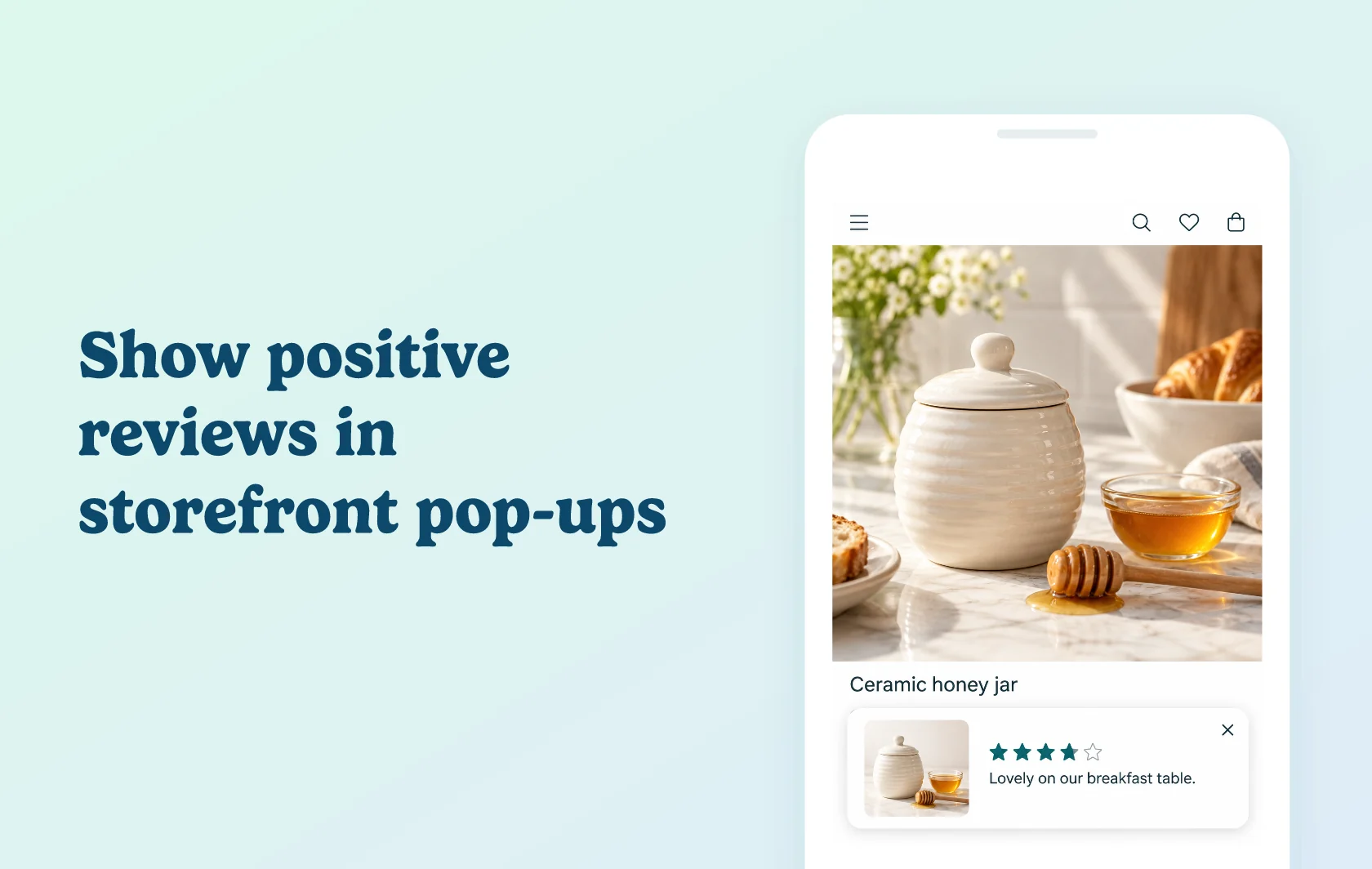
Highlight positive product feedback while shoppers browse
The Judge.me and ProveSource integration displays four- and five-star reviews as notifications on your storefront. ProveSource imports eligible feedback from Judge.me and presents it in a pop-up that fits your chosen display settings. Judge.me remains the place to collect and manage the reviews.
Give browsing shoppers a glimpse of customer feedback
A homeware store could feature a customer’s review of a ceramic honey jar while visitors explore the store. The notification offers a short piece of feedback alongside the shopping experience. Because ProveSource imports only four- and five-star reviews, these notifications highlight selected positive feedback rather than the complete review record. Keep your full Judge.me Review Widget available on product pages for shoppers who want to explore the broader feedback.
Choose where and how the notifications appear
Configure the notification’s position, timing and frequency, and select the pages where it should display. You can also exclude pages. These controls help you show reviews in useful places while keeping the pop-ups compatible with the rest of your storefront.
How the integration works
Create a Reviews notification in ProveSource, choose Judge.me as the source and connect your shop domain and private API token. Configure the display settings, launch the notification and make sure it is active in the dashboard.
ProveSource fetches new reviews every 24 hours. Check its Feed for imported Judge.me reviews before testing the storefront display. A new review may not appear immediately, and reviews below four stars are not imported for these notifications.
Before you connect
Shopify: install both apps on the store you want to connect.
Judge.me: the Free plan supports this integration.
ProveSource: the Free plan includes all features for up to 1,000 monthly unique visitors. Paid plans provide higher visitor allowances and branding options.
Eligible content: use existing four- or five-star reviews when checking the import and display.
Activation: launch and enable the notification after configuring it; connecting the review source alone does not finish the setup.
Get started
Already using both apps? Connect the review source, check the imported Feed and choose your page, position and timing settings. Activate the notification and test it alongside your other storefront elements.
New to either app? Install Judge.me and ProveSource, choose a ProveSource plan for your visitor volume and collect product feedback. Then connect the source and configure your first review notification.