
&

Loyalty and Rewards
Judge.me & Flits integration
Reward product reviews with loyalty points and control earning through points and time limits.
Shopify
Eligible product reviews → loyalty points
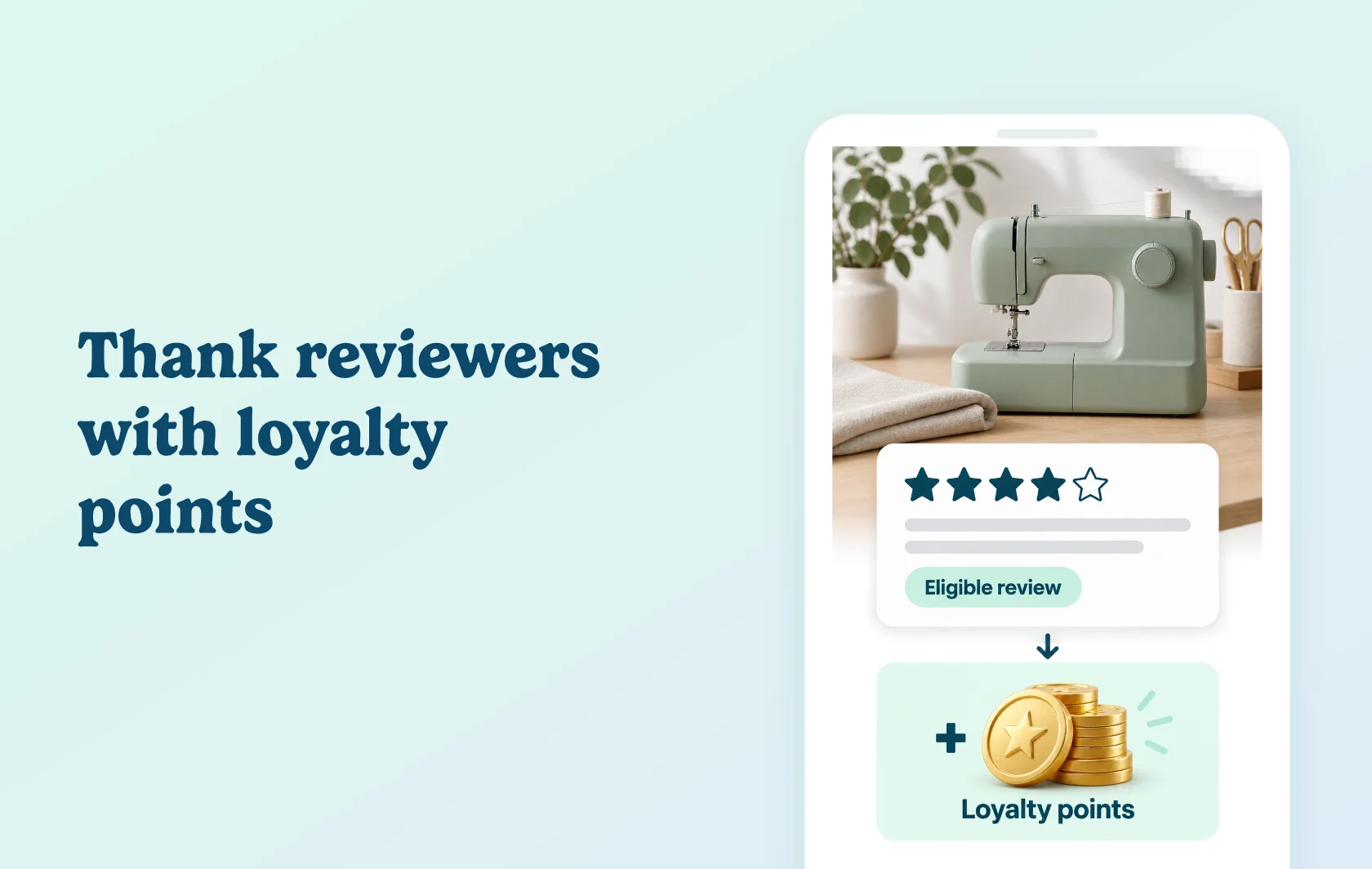
Add product reviews to your loyalty earning rules
The Judge.me and Flits integration rewards eligible product reviews through Flits’ Product Review rule. Set the points earned for a review and, if needed, limit how many points customers can earn within a chosen time window.
Recognise customers who share product feedback
A craft store can make reviewing a sewing machine another way to earn loyalty points. Judge.me collects the review, and the active Product Review rule in Flits defines the reward. The feedback becomes part of the store’s loyalty experience.
Keep review rewards within your earning policy
Set an earning value for the review rule, then optionally add a points limit and time limit. This gives you control over review rewards when customers submit feedback on several purchases, instead of leaving the earning rule open-ended.
How the integration works
Prepare the Product Review earning rule in Flits: choose the earning value and any points or time limits. Activate and save the loyalty program before enabling the Flits integration in Judge.me, generating the connection token and saving the settings.
Confirm that the Product Review rule is set to Active and saved. Eligible review activity can then earn rewards under your configured rule.
Before you connect
Judge.me: Awesome is required.
Flits: Growth or Established is required.
Activation order: prepare the Product Review earning rule first, and activate the Flits loyalty program before generating the connection token in Judge.me. An inactive program can prevent token generation.
Reward rules: both Judge.me’s reward conditions and Flits’ earning conditions apply. Save the Product Review rule as Active before expecting rewards.
Earning limits: points and time limits are optional settings; choose them to match your loyalty policy.
Get started
Already using both apps? Follow the Flits connection guide, activate the loyalty program and configure the Product Review rule.
New to either app? Install Judge.me and Flits, then choose the required plans before enabling review rewards.