
&

Design
Judge.me & EasySlide integration
Keep customer reviews alongside product details in expandable panels that shoppers can open when they need them.
Shopify
Product reviews → accordion panels
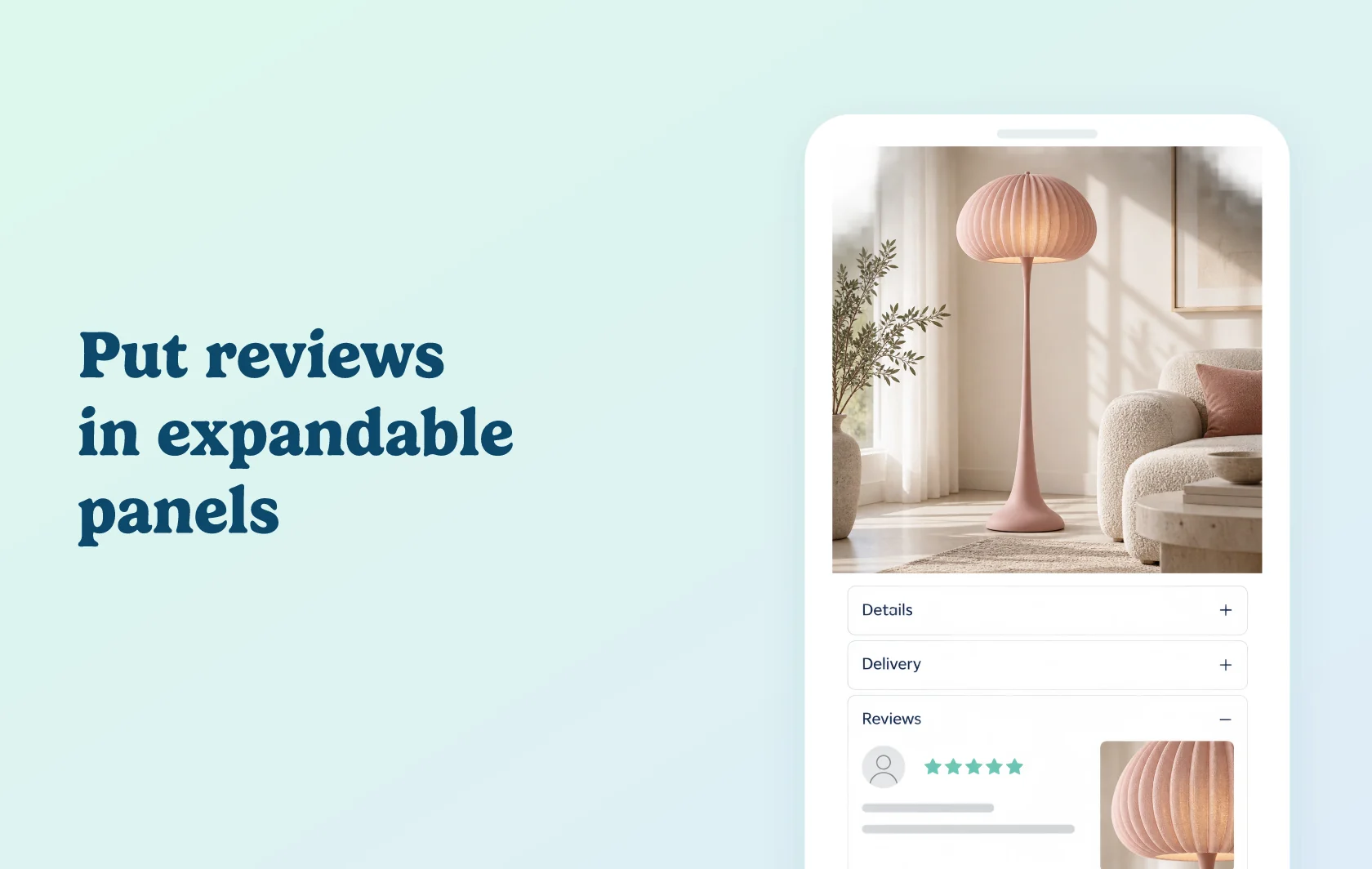
Give customer reviews their own place in your product information
The Judge.me and EasySlide integration places customer reviews inside an accordion panel on your Shopify product page. Shoppers can expand the reviews when they want more detail, alongside panels for specifications, delivery information or other product content.
Make a long product page easier to explore
A shopper considering a floor lamp may want to compare its dimensions, delivery details and other customers’ experiences. Keeping those subjects in clearly labelled panels helps them choose which information to open.
EasySlide supplies the accordion layout; Judge.me supplies the reviews. You can give feedback a visible Reviews heading without leaving the whole review section expanded beneath the product description.
Reuse the panel across the right products
Create a shared reviews panel and assign it to all products, selected products, collections or product tags. This lets you use the same layout across a range, or introduce it to the products where you already organise information into accordions.
The reviews panel keeps customer feedback within that product-page layout. After assigning a shared panel, preview more than one product to check the content and placement.
How the integration works
Install both apps, then add a reviews panel in EasySlide and choose Judge.me as the review app. Enable the panel and assign it to the products where it should appear.
EasySlide is the NexusMedia app previously known as EasyAccordion.
Before you connect
Plans and platform: use both apps on Shopify. The Judge.me Review Widget is available on Free; EasySlide requires its paid plan.
Review display: preview a product that already has published feedback and open its Reviews panel.
Page layout: check that reviews appear where intended and that a separate theme block is not creating an unwanted duplicate.
Support ownership: NexusMedia maintains EasySlide and its accordion layout.
Get started
Already using both apps? Follow the reviews-panel guide, select Judge.me and check the result on a product page.
New to either app? Install Judge.me and EasySlide, then configure the accordion and reviews panel before publishing your layout.