
&

SMS and Push
Judge.me & Dondy integration
Send WhatsApp review requests after fulfillment, linking customers to the review form.
Shopify
Fulfilled orders → WhatsApp requests → review form
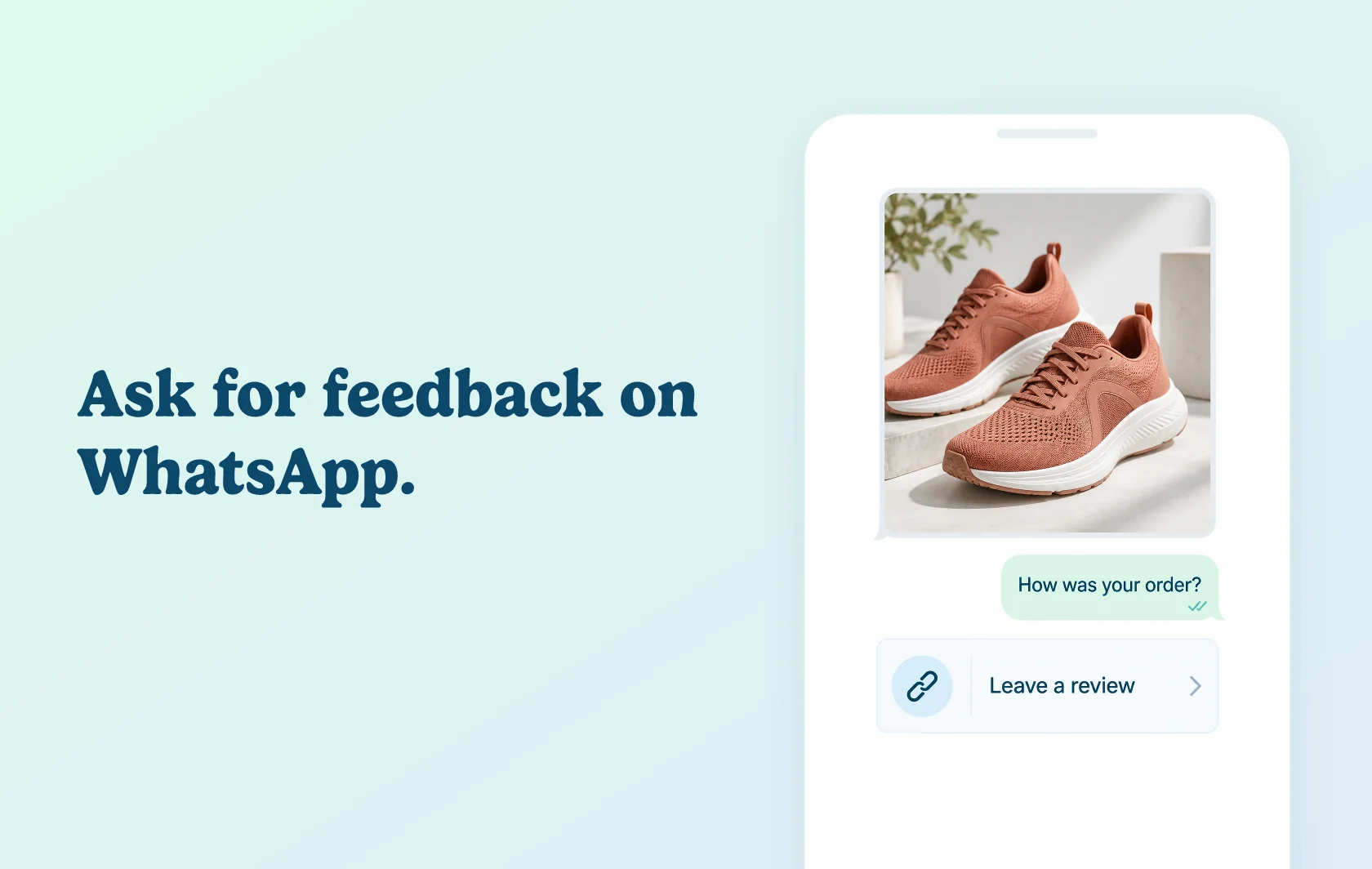
Invite customers to review a purchase through WhatsApp
The Judge.me and Dondy integration sends WhatsApp review requests after Shopify orders are fulfilled. The message links customers to the Judge.me review form, giving them another route to share their product experience.
Reach customers through a familiar messaging channel
Use a WhatsApp request to invite feedback after a purchase. Dondy sends the message and Judge.me collects the review when the customer opens the link. The documented experience uses a review link; it does not collect the complete review inside a WhatsApp conversation.
Choose the message and request timing
Configure the review-request flow in Dondy, choose Judge.me as the review app and set the timing. Adapt the message to your store while keeping its purpose clear. The template must be approved before messages begin sending.
How the integration works
Set up Dondy’s WhatsApp Business API connection, create a Review Request automation and select Judge.me. Save the message and sending schedule, then complete template approval.
After an order is fulfilled, the configured flow sends a WhatsApp message containing the review link. The customer opens the form to submit feedback through Judge.me. Your existing Judge.me review display remains the place shoppers read that feedback.
Before you connect
Judge.me: Free supports this connection.
Dondy: use Power Automation or Elite for the documented automation.
Platform: install both apps on the same Shopify store.
WhatsApp: complete the Business API number setup and obtain approval for the request template. Messaging eligibility and channel charges apply separately.
Timing: configure the post-fulfillment schedule and check it alongside any other review requests you send. Connecting Dondy does not itself establish that your Judge.me email requests have been disabled.
Get started
Use the integration setup guide for the detailed connection steps.
Already using both apps? Follow Dondy’s guide, create the request flow and test a fulfilled order with an eligible WhatsApp recipient. Check that the message arrives at the intended time and its link opens the correct review form.
New to either app? Install Judge.me and Dondy, choose the required Dondy plan and complete WhatsApp setup. Test the approved message before expanding the flow to customers.