
&

Loyalty and Rewards
Judge.me & Beans integration
Reward reviews with points, set a separate photo-review value and check why points were awarded.
Shopify
Product reviews → configured loyalty points
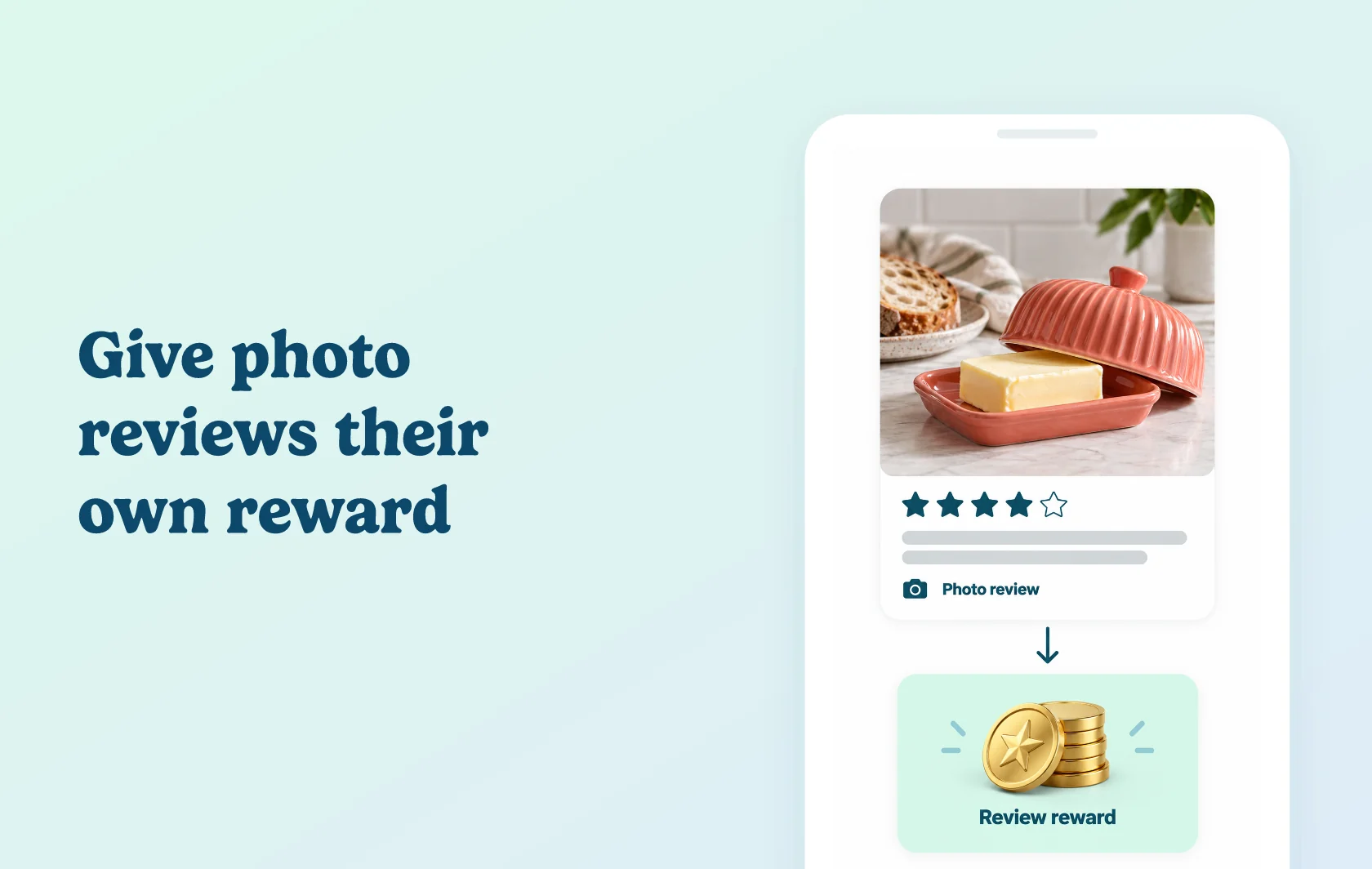
Reward reviews and give photo feedback its own points value
The Judge.me and Beans integration lets you reward product reviews with loyalty points. Customers can put their points towards discounts in your store. Configure the standard review rule, set a separate value for reviews with photos and check the review log when you need to understand a reward outcome.
Give photo reviews a distinct reward
A kitchenware store can offer a different points reward when a butter-dish review includes a customer photo. In Beans, the photo-review rule takes precedence over the standard review rule. It does not add the two rewards together, so set its value deliberately.
Check what happened to a review reward
Use the review log to see whether points were awarded and how many the customer received. If no points were awarded, the log shows the reason. This gives your team a place to start when a customer asks about missing points.
How the integration works
Connect Judge.me from Beans’ integrations area, enter your shop domain and authorise access. Configure the review earning rules with Judge.me as the review app.
Choose the points values and reward frequency: daily, weekly, monthly or unrestricted. If you also configure photo-review rewards, that rule takes priority for reviews with photos, even if its value is lower than the standard reward.
Before you connect
Judge.me: Awesome is required for Shopify.
Beans: use a current Beans Pro subscription, with the order allowance that fits your store.
Photo rewards: the photo-review rule replaces the standard review reward for that activity; it is not an additional bonus on top.
Rule settings: configure the points value, reward frequency and Judge.me review provider.
Reward queries: check the review log for the award or omission reason before changing rules or resetting the connection.
Get started
Already using both apps? Follow the connection guide, then review the Beans reward rules and logs.
New to either app? Install Judge.me and Beans, choose the required subscriptions and configure your standard and optional photo-review rewards.