
&

Email marketing
Judge.me & Klaviyo integration
Send review requests, follow up on feedback and add reviews to emails.
Shopify
Reviews → email marketing
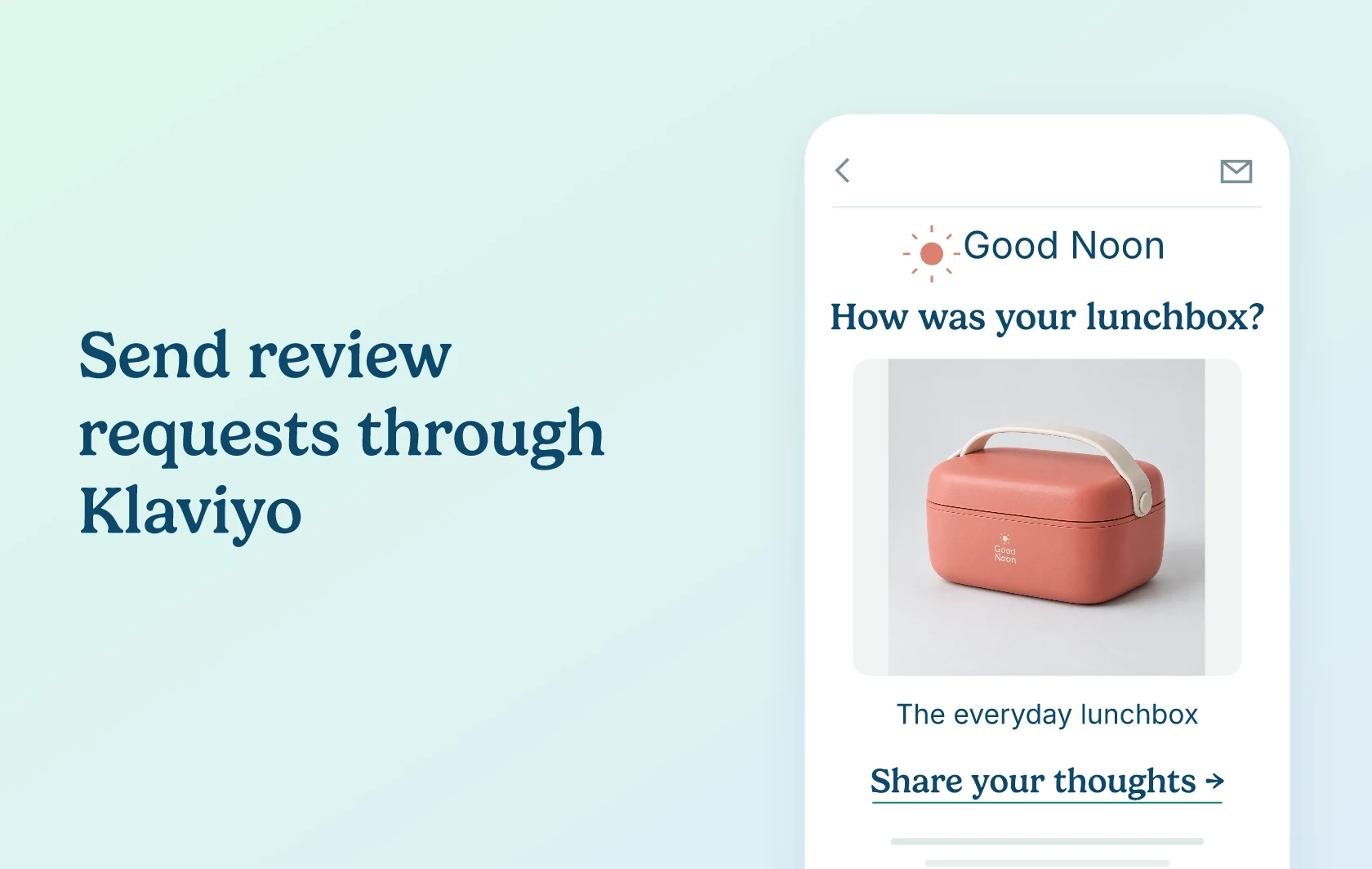
Turn customer reviews into more relevant emails
The Judge.me and Klaviyo integration connects your product reviews with your email marketing. Send review requests through Klaviyo, respond to new feedback with tailored follow-ups, and bring ratings and reviews into your marketing emails. Judge.me collects and manages the reviews; Klaviyo handles the email design and sending.
Send review requests in your brand’s style
Use Klaviyo to design review invitations that feel like the rest of your emails. After a qualifying order is fulfilled, a dedicated review-request flow can add a delay, personalise the message with product details and invite the customer to leave a review. Include the supplied review link so reviews collected through it can be verified by Judge.me.
Follow up differently after positive and negative feedback
Thank a happy customer or offer help after a disappointing experience. New review events can trigger different Klaviyo flows based on the rating threshold you choose in Judge.me. This works for customers already on your Klaviyo subscriber list, including when their new review is hidden. Imported reviews and edits to existing reviews do not trigger these follow-ups.
Review events also carry product and feedback details you can use to build audiences, such as customers who reviewed a particular product or included a photo. Choose the segment and message in Klaviyo, and check sending eligibility before using the audience.
Continue the conversation after a product question
Question and answer events can start a separate Klaviyo follow-up about the product a shopper is considering. For example, after your team posts an answer, a configured email can bring the shopper back to that product. Your team supplies the answer; the integration sends the event for your flow to use.
Put customer feedback beside products in your emails
Add a product’s star rating and review count to a relevant email, such as an abandoned-cart reminder. Or include featured reviews to help readers hear from other buyers. Ratings can match the product when your template uses the correct product data; the featured-review feed uses your store’s review selection and does not automatically choose testimonials for each product in the email.
For a visual product story, add the optional UGC Media Grid to an email. It brings published content from your connected Instagram account into the design; it does not automatically collect every photo attached to a review.
How the integration works
Connect your accounts, then enable the events or feeds you want to use. For review requests, Judge.me sends an event for new qualifying fulfilled orders. You build a dedicated Klaviyo flow with that event as its trigger and set the timing, filters and message there. It is not an action you can simply add inside an existing post-purchase flow.
For follow-ups, Judge.me sends new review, question and answer activity to Klaviyo so your configured flows can respond. For ratings and featured reviews, Judge.me supplies web feeds that you add to your email templates. These display features need feed and template configuration; connecting the accounts alone does not add reviews to emails. The guides below cover each setup.
Before you connect
Plans and platform: This page covers Shopify stores using Judge.me’s Awesome plan and a Klaviyo account with email sending available. Klaviyo’s profile and sending limits apply separately. Displaying ratings and featured reviews requires web-feed and email-template configuration. Check the current Judge.me plans and Klaviyo plans for your needs.
Eligibility: Review-request events apply to new qualifying fulfilled orders. Follow-up events require an existing Klaviyo subscriber and the matching new review, question or answer activity; configure and test each event you use. Featured-review feeds need published reviews that meet your selection settings; an empty selection will display no testimonials.
Switching request emails: New eligible requests move to Klaviyo, but requests already scheduled in Judge.me can still send. Orders using Judge.me’s delivery-based trigger stay in its native email pipeline and do not fire the Klaviyo request event. Request exclusions and unsubscribe preferences need separate checks in Klaviyo.
Repeat purchases and bundles: Judge.me’s setting to avoid requesting another review of the same product does not apply in Klaviyo. Shopify bundle events include both the parent and component products. Configure your flow filters and email template for whom to ask and which products to include.
Later order changes: An event already sent to Klaviyo is not revoked when an order is cancelled. Its product details do not update, and its review link can stop working if the product is archived, made draft or deleted. Review the request guide and test these cases before switching.
Judge.me-generated coupons are not transferred to Klaviyo. If you choose to send a coupon in a follow-up, create and manage it in Klaviyo. The optional UGC Media Grid uses content from a connected Instagram account and needs at least one published post.
Get started
Already using both apps? Start with the Judge.me and Klaviyo review-request guide, or choose the follow-up and display guides below for the use you need. Test the relevant flow or email before turning it on for customers.
New to either app? Install Judge.me and Klaviyo, then connect them using the guide. If you are choosing a reviews app, see our Judge.me and Klaviyo Reviews comparison.