
&

Upsell and Marketing
Judge.me & EasyBoost integration
Show product ratings in sliders, grids and lookbooks as shoppers explore your showcases.
Shopify
Product ratings → product showcases
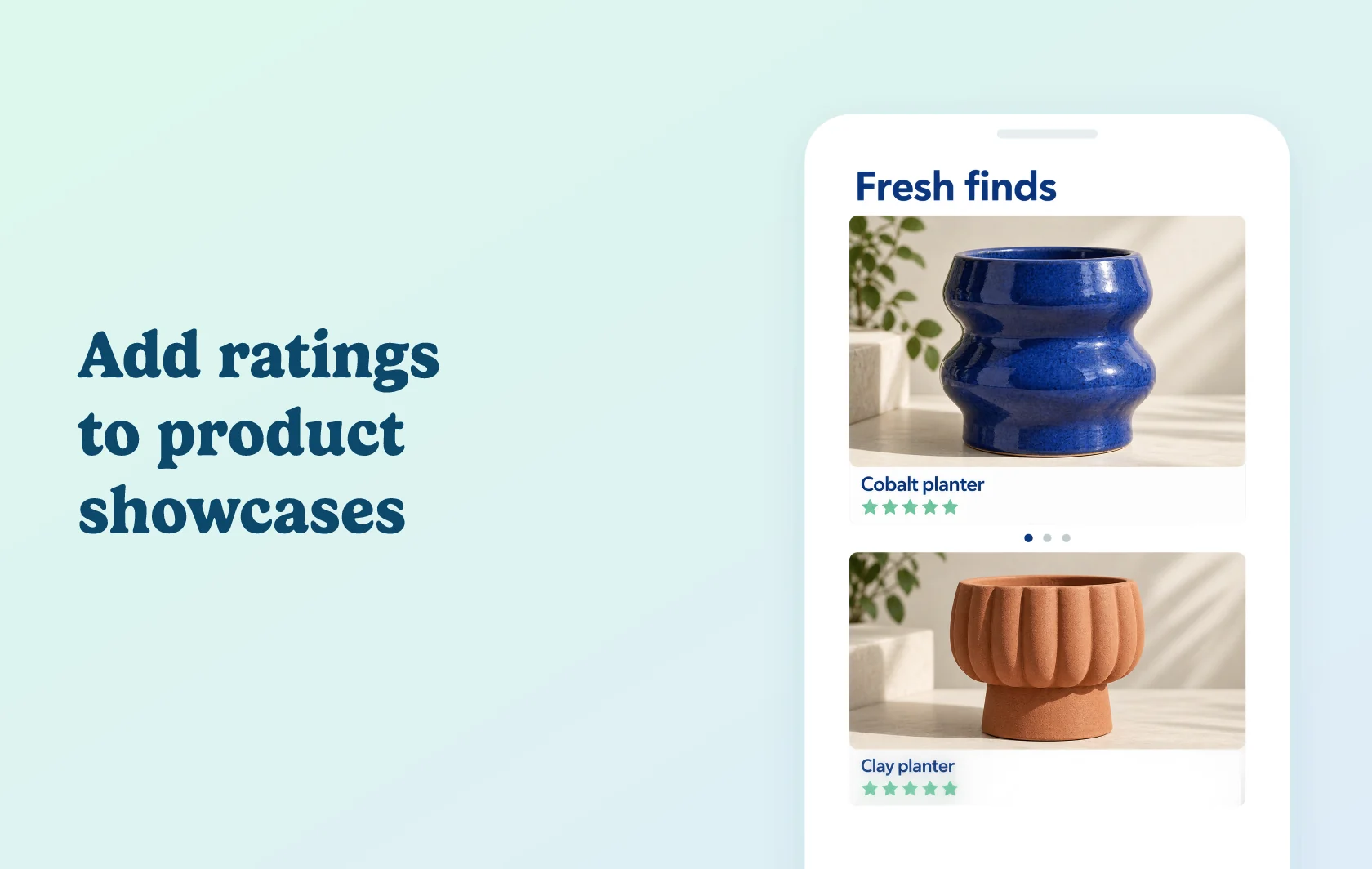
Bring customer feedback into your product showcases
The Judge.me and EasyBoost integration adds product star ratings to the showcases you build with EasyBoost, formerly EasyDisplay. Shoppers can see feedback while browsing products in sliders, grids and lookbooks on your Shopify store.
Give featured products more context
A homeware store might use a homepage slider to introduce a new planter collection or add a product grid to an article about indoor plants. Ratings help shoppers compare feedback about those products before opening a product page.
EasyBoost controls the product showcase; Judge.me supplies the existing product ratings. Enable stars on the showcases where that feedback helps shoppers compare items.
How the integration works
Install both apps and enable their app embeds in your active Shopify theme. Turn on Judge.me in the EasyBoost integration settings, then enable the rating display for the showcase you want to use.
Save the showcase and preview it with products that already have reviews. If you change your live theme, check that the required app embeds are enabled there too. Setup guides may still use the name EasyDisplay.
Before you connect
Judge.me: the integration is available on the Free plan.
EasyBoost: the Judge.me integration requires the Premium plan. The app’s free plan is not sufficient for this connection.
Theme setup: both app embeds must be active, with the Judge.me connection and the showcase’s rating control enabled.
Review availability: stars use your existing product ratings. The connection does not generate new reviews for products without feedback.
Get started
Already using both apps? Follow the EasyBoost integration guide, enable ratings on one showcase and check it on your storefront.
New to either app? Install Judge.me and EasyBoost, then configure a showcase on the required plan.