
&

Upsell and Marketing
Judge.me & Checkout Review integration
Show published customer reviews at checkout, with regular syncing from your existing collection.
Shopify
Published reviews → customer feedback displayed at checkout
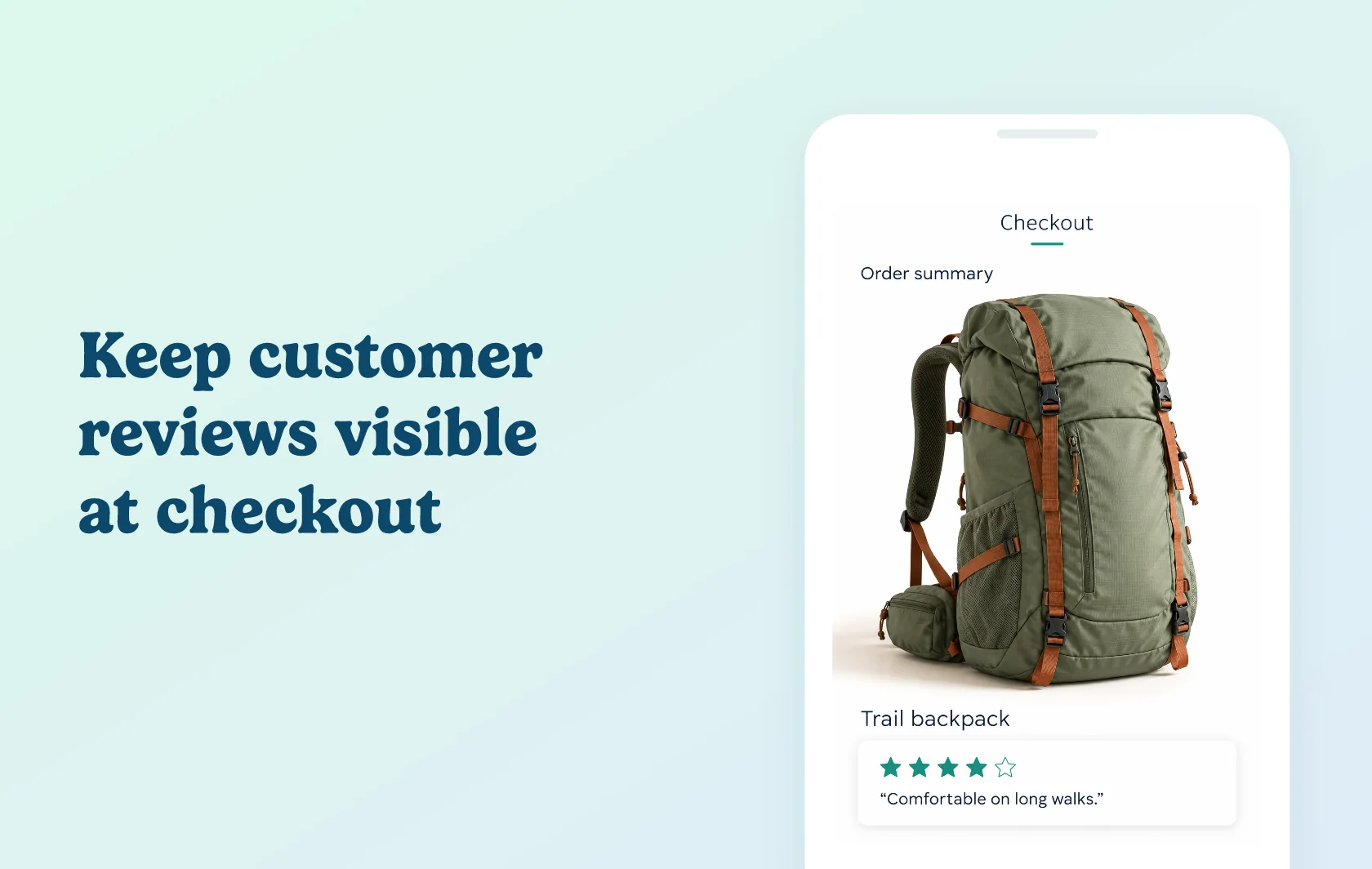
Keep customer reviews in view as shoppers complete their order
The Judge.me and Checkout Review integration displays published customer feedback at Shopify checkout. Shoppers can read reviews during the final purchase step, while you continue collecting and managing that feedback in Judge.me. Checkout Review imports the published reviews and handles their checkout display.
Carry customer feedback into the final step
A store selling outdoor equipment could add a review block near the order summary to give shoppers customer feedback while they check their order. It provides an opportunity to read another customer’s experience without leaving checkout. Choose a display style that keeps the review content clear alongside the purchase details.
Keep a separate checkout display up to date
After the initial connection, new reviews sync every four hours. You can keep using Judge.me for review collection while Checkout Review updates the feedback available to its display. This avoids rebuilding the checkout review collection manually each time someone leaves a review.
How the integration works
Connect Judge.me from Checkout Review’s Integrations area using the private API token described in the setup guide. Allow the initial import to complete, then add the Checkout Review block in Shopify’s checkout editor.
The app uses published reviews and continues syncing on its regular schedule. Newly published feedback may therefore take up to the next sync to become available in Checkout Review. Choose the block’s position and display settings in Checkout Review and Shopify; manage the source reviews in Judge.me. Connecting the accounts alone does not place a visible review block in checkout.
Before you connect
Shopify Plus: review blocks within checkout require Shopify Plus. This page covers that checkout placement.
Judge.me: this integration is available on the Free plan.
Checkout Review: Growth includes the Judge.me connector. The Starter plan’s manual review entry is a different workflow.
Published reviews: make sure the feedback you want available at checkout is published in Judge.me, then allow time for syncing.
Display scope: this page describes review blocks. Checkout Review’s separate inline product-star feature is listed under Advanced.
Get started
Already using both apps? Connect Judge.me, wait for the initial import and place the review block in your active checkout layout. Preview an order and check that the chosen reviews display clearly.
New to either app? Confirm that your store is on Shopify Plus, install Judge.me and Checkout Review, and choose Growth or above for the connector. Publish your source reviews before following the connection guide.