
&

Upsell and Marketing
Judge.me & Brandye integration
Add ratings and review counts to quiz results, alongside products matched to shoppers’ answers.
Shopify
Product ratings → quiz recommendations
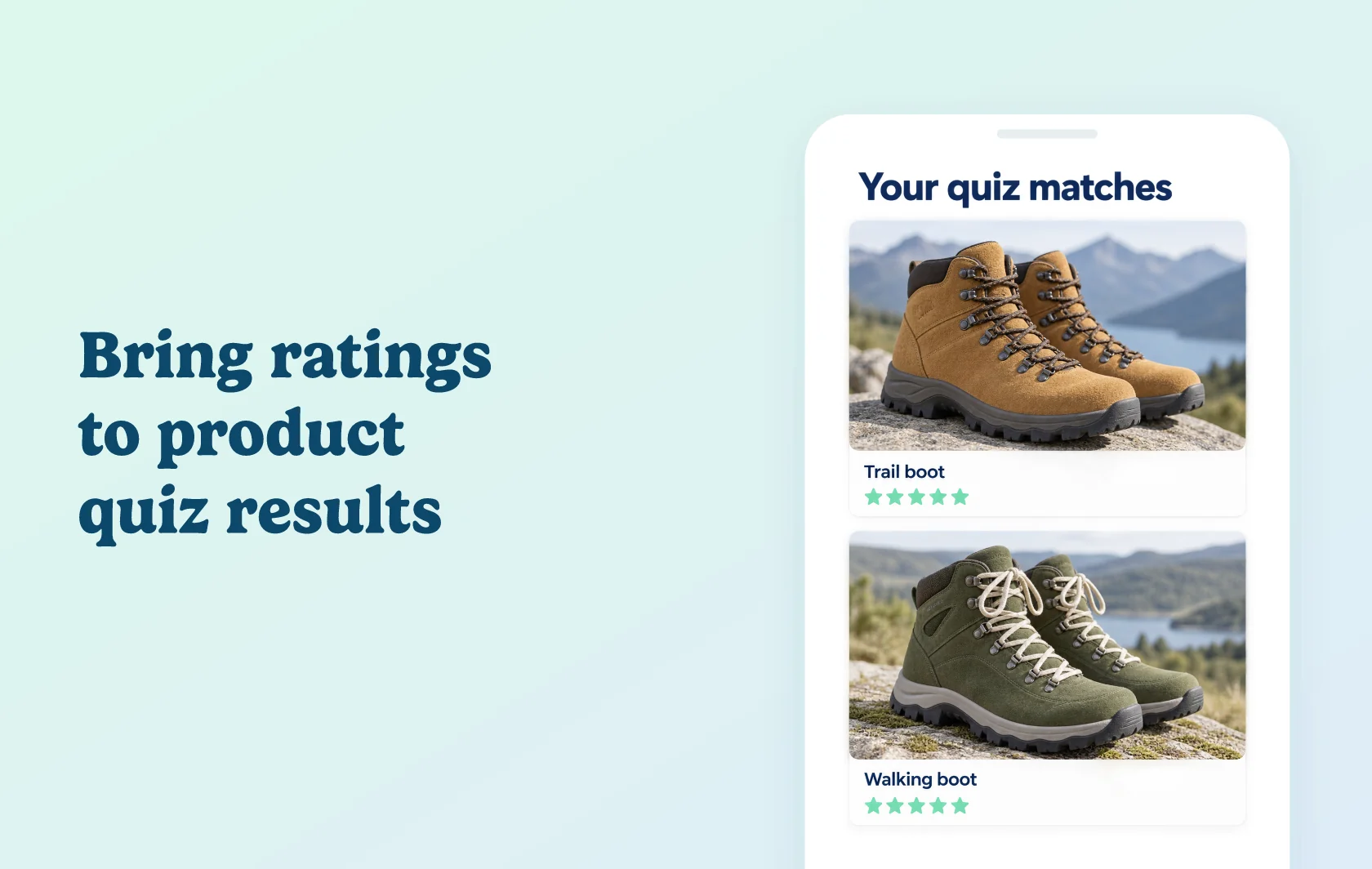
Help shoppers assess the products recommended by your quiz
The Judge.me and Brandye integration displays product star ratings and optional review counts in Brandye quiz results. Brandye recommends products based on a shopper’s answers; Judge.me adds existing customer feedback to those suggestions.
Put customer feedback beside a personalized match
A shopper answering questions about the terrain they walk on might receive several hiking boot recommendations. Seeing each product’s rating helps them consider other customers’ experiences alongside their own preferences.
This display works in Brandye’s quiz widget and embedded quizzes. You can enable ratings and review counts for each experience and choose a star color that fits your store.
How the integration works
Install both apps on the same Shopify store and configure your Brandye quiz. Brandye reads each product’s existing Judge.me rating and displays it when ratings are enabled in the quiz results settings.
Enable ratings in the results configuration for the quiz widget or embedded quiz you use. Review count has its own control. Save and preview a result containing a product that already has reviews.
Before you connect
Judge.me: the integration is available on the Free plan.
Brandye: use a plan that supports your quiz submission volume. The current free tier includes a limited lifetime allowance; paid plans have monthly allowances.
Existing reviews: products need rating data from Judge.me. The integration displays existing feedback; it does not collect new reviews.
Data and display: Keep Judge.me’s product rating data intact; changing or removing it can stop the stars appearing. Quiz results display ratings and optional counts, not full review text.
Get started
Already using both apps? Follow the Brandye connection guide, enable ratings for your quiz results and preview a reviewed product.
New to either app? Install Judge.me and Brandye, then build the quiz and connect its rating display.