
&

Upsell and Marketing
Judge.me & BeyondCart integration
Show ratings and published written reviews inside your mobile product-page experience.
Shopify
Published product reviews → native mobile app product pages
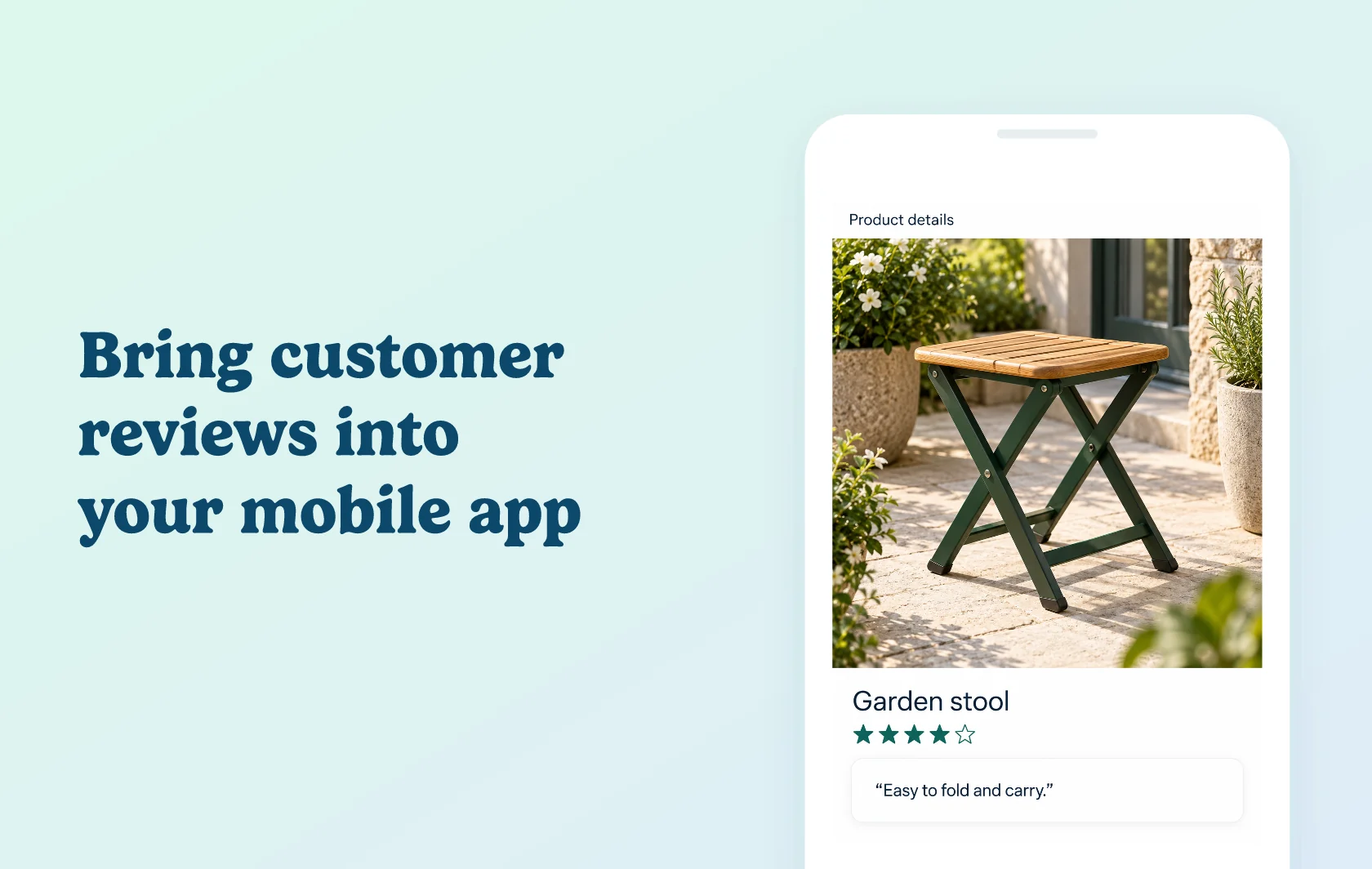
Let mobile shoppers read customer feedback without leaving your app
The Judge.me and BeyondCart integration displays product ratings and published reviews inside your Shopify store’s mobile app. Shoppers can check a product’s score and read customer experiences while exploring its details. Judge.me manages the source feedback, while BeyondCart renders the review content in the app’s native product-page experience.
Give shoppers a quick view of product feedback
A garden store could show a folding stool’s rating and review count near its product details. Someone browsing the app can get a quick sense of customer feedback before reading further. The rating belongs to the product, so it helps shoppers evaluate the item they are considering.
Let people explore individual experiences
Lower on the product page, customers can scroll through reviews with a title, written feedback, reviewer display name and rating. This gives them more context than the average score alone. BeyondCart uses a native review display that fits the app experience, drawing on the product reviews you already have in Judge.me.
How the integration works
Connect the apps in BeyondCart using your Shopify store domain and the Judge.me private API token described in the setup guide. BeyondCart fetches review content when a customer loads the product page, with more reviews loading as they scroll.
Only published, non-hidden reviews appear in the app. Continue collecting and moderating feedback in Judge.me; BeyondCart handles its presentation within the mobile product page. You do not need to create a second set of reviews for the app.
Before you connect
Shopify: this page covers BeyondCart’s Shopify integration. The product must be published in both Shopify and BeyondCart.
Judge.me: the Free plan supports the connection. Have at least one approved, published review for the product you want to test.
BeyondCart: Premium includes customer reviews; Enterprise includes Premium’s features.
Matching products: reviews must point to the correct Shopify product. Check product matching if an item was migrated or recreated.
Review provider: use a consistent review source for your products so that different apps do not supply conflicting counts.
Get started
Already using both apps? Connect Judge.me in BeyondCart and open a reviewed product in the app. Check its rating and written feedback, then scroll through the review list. If a product is missing feedback, confirm that it is published in both systems and that its reviews are published and linked to the correct product.
New to either app? Install Judge.me and BeyondCart, choose Premium or Enterprise and configure your mobile catalog. Publish the same product in both systems and prepare an approved review before testing the connection.