
&

Review management
Judge.me & AliExpress integration
Import reviews and photos from matching products, with filters and optional weekly updates.
Shopify
AliExpress product reviews → matching Shopify products
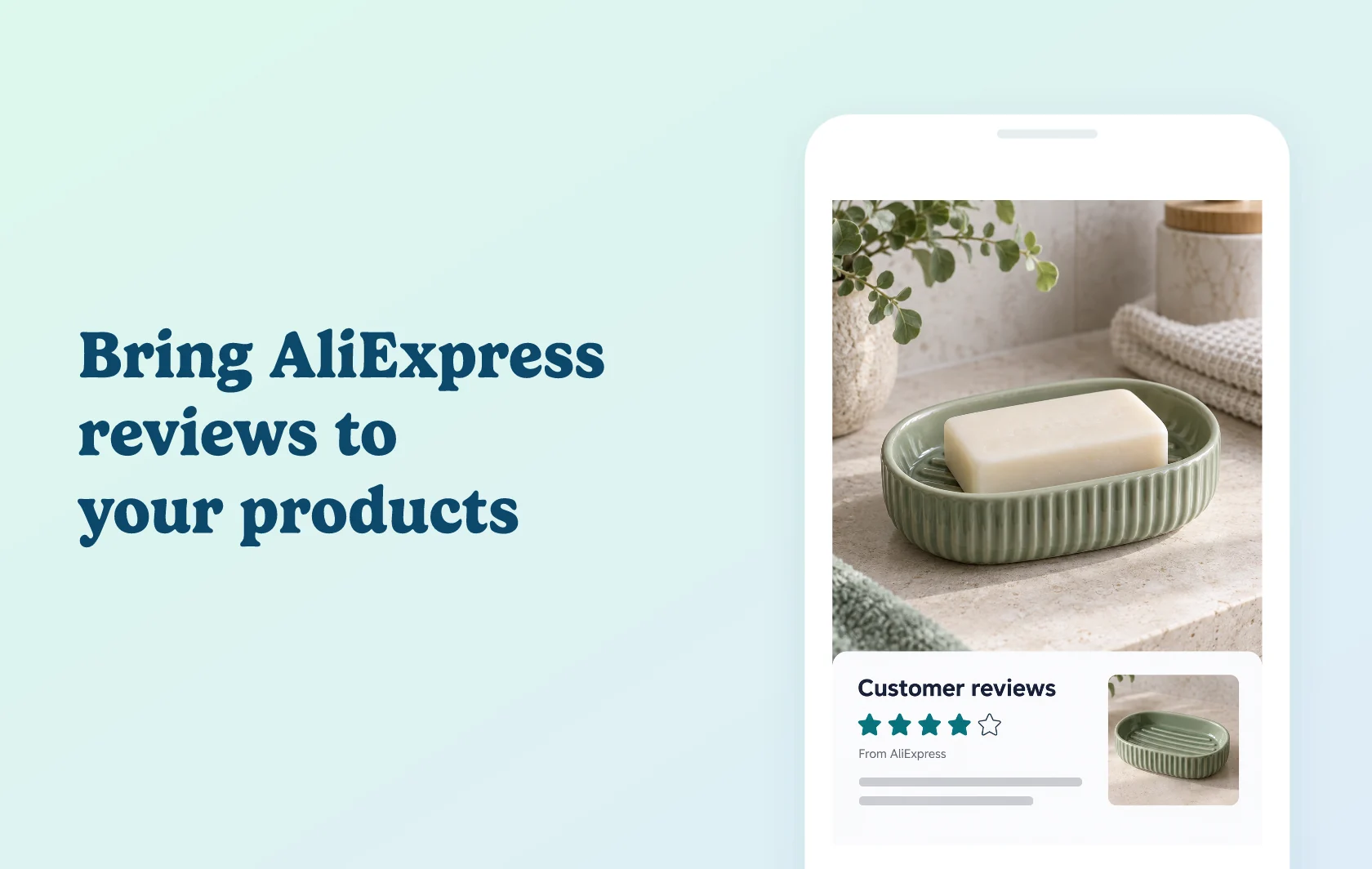
Show existing product feedback on your Shopify store
The Judge.me and AliExpress connection brings reviews from an AliExpress product into its matching Shopify product. Use the separate Judge.me AliExpress Reviews Importer to choose the source and import the feedback, then display it through Judge.me Product Reviews. The importer handles the transfer; Judge.me’s widgets present the reviews on your storefront.
Help shoppers understand an AliExpress-sourced product
A store selling a ceramic soap dish sourced from AliExpress can bring across feedback about that same product, including available customer photos. Shoppers can see experiences with the item while the store begins collecting feedback from its own customers.
Keep the source product and destination product aligned. Imported reviews describe the AliExpress item and do not demonstrate a purchase from your own store. They are not marked as verified in Judge.me.
Choose the feedback format and keep it refreshed
Set a review limit, country filters, a minimum word count or a photo requirement. Choose an available translation language supplied by AliExpress, or retain the original language. These settings control the import; they do not change the review’s source or verification status.
Use a one-time import for a fixed transfer, or enable weekly auto-import on selected products to fetch new reviews. You can update the automatic-import settings and stop the schedule when needed.
How the integration works
Install the free Judge.me AliExpress Reviews Importer and select a Shopify product. Paste the matching AliExpress product URL, choose your import settings and start the background import. Check the import log for the result.
Imported reviews transfer into Judge.me Product Reviews for the corresponding product. Install its Review Widget to make that feedback visible on the product page: the importer alone does not display reviews on the storefront.
Bulk product matching is available to Early User Program participants. Suggested matches still need checking before importing; ordinary product-by-product imports do not require that early-access feature.
Before you connect
Shopify: use the importer on the store containing your destination products.
Judge.me: the Free plan supports this workflow, and the separate AliExpress importer is free.
Product match: use the full AliExpress product URL ending in .html, not a collection page or an unrelated item.
Available content: your source product needs existing reviews. Filters can reduce the number available to import.
Import size: the current per-import limit is 500 reviews. This is not a promise that every source has that many eligible reviews.
Verification: AliExpress imports remain unverified in Judge.me, including when the source shows a purchase-related label.
Availability: regional restrictions can affect access to AliExpress and its review photos. The old importer Chrome extension is no longer supported; use the Shopify app.
Get started
Already using Judge.me? Install the importer, test one matching product and inspect its import log and storefront widget. Confirm that the source is the same product, that imported feedback is unverified and that any photo filter produced the intended results. If you enable weekly imports, check a later import log before relying on the schedule.
New to the apps? Install the AliExpress importer and Judge.me Product Reviews, add the Review Widget and select your source product. Run a small import first, then decide whether to enable weekly updates.